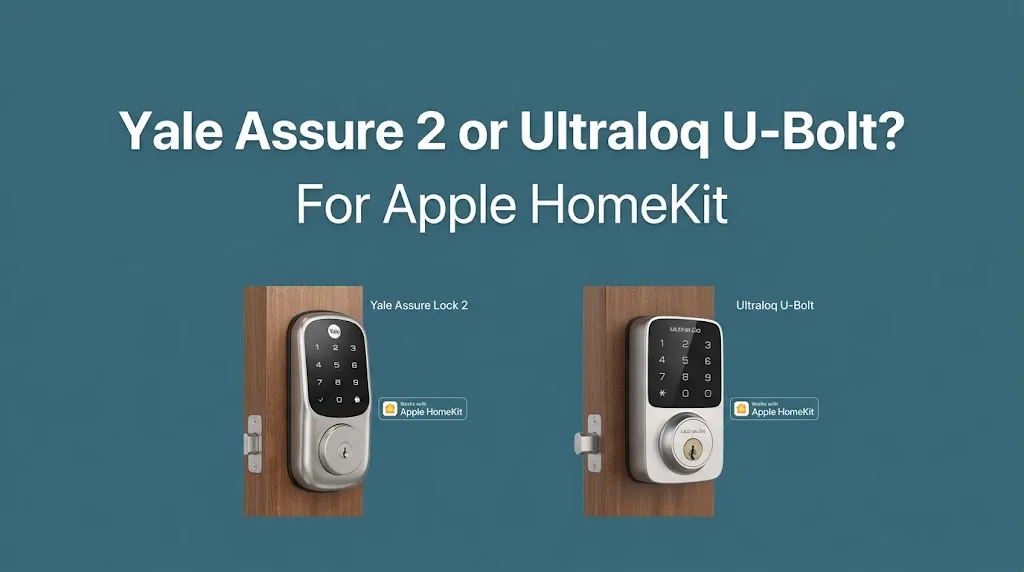
Yale Assure 2 or Ultraloq U-Bolt? For Apple HomeKit?

If you want a smart lock that works with Apple HomeKit, the Yale Assure Lock 2 is the better choice to consider first, but you need to select the correct model. HomeKit support varies by Yale Assure Lock 2 version and connectivity setup, while Ultraloq U-Bolt models differ in their Apple Home compatibility. Before buying either lock, verify the exact model number and whether it supports Apple Home natively or requires additional hardware.
Apple HomeKit Compatibility: Yale vs. Ultraloq
The biggest difference is straightforward: compatible Yale Assure Lock 2 models support Apple HomeKit, while standard Ultraloq U-Bolt models do not. Ultraloq offers separate products designed for Apple Home compatibility, including certain Bolt Fingerprint and Bolt NFC models.
Yale Assure Lock 2
- Supports Apple HomeKit on compatible models.
- Allows control through Apple’s Home app and Siri.
- The Assure Lock 2 Plus supports Apple Home Key, which lets you unlock the door by tapping a compatible iPhone or Apple Watch.
- Best suited to households that already use Apple Home.
Ultraloq U-Bolt and U-Bolt Pro
- Offer smart entry options that vary by model.
- Select versions include fingerprint recognition, keypad entry, or Wi-Fi connectivity.
- Standard U-Bolt models do not support native Apple HomeKit integration.
- Better suited to buyers who prioritize their preferred entry methods over Apple Home compatibility.
Feature Comparison
| Feature | Yale Assure Lock 2 | Ultraloq U-Bolt |
|---|---|---|
| Apple HomeKit | Yes, compatible models | No, standard models |
| Apple Home app | Yes, compatible models | No, standard models |
| Siri voice control | Yes, through Apple Home | Not through native HomeKit |
| Apple Home Key | Available on Assure Lock 2 Plus | Not on standard U-Bolt models |
| Fingerprint entry | Depends on model | Available on select U-Bolt Pro models |
| Remote Apple Home control | Requires a compatible home hub | Not available through native HomeKit |
| Best use case | Apple-centered smart home | Buyers prioritizing other entry options |
| Available |  | |
Compatibility depends on the exact model and its included connectivity hardware. HomeKit support and Home Key support are separate features, so check the specifications before purchasing.
Why Yale Assure Lock 2 Is a Better Choice for Apple Home
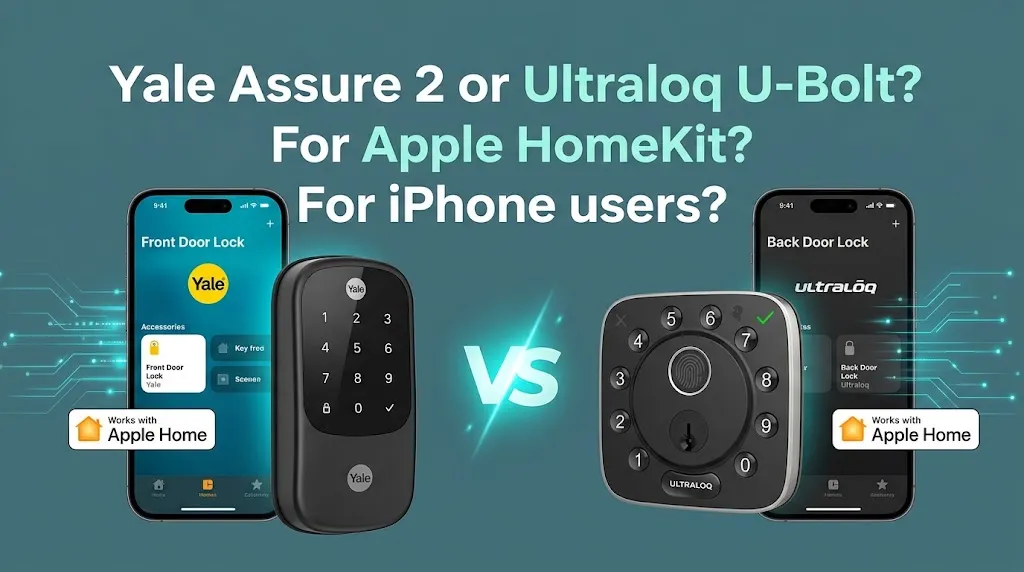
If your household already uses an iPhone, Apple Watch, Siri, and the Apple Home app, Yale offers a more direct path than a standard U-Bolt.
Apple Home App and Siri
A compatible Yale Assure Lock 2 can appear in the Apple Home app, allowing you to check its status and control it alongside other supported smart home accessories. You can also use Siri to operate the lock.
For example, if you create an Apple Home scene for leaving the house, you may be able to include the lock alongside compatible lights and other accessories. Available automations depend on your setup and Apple’s security requirements.
Apple Home Key
HomeKit and Home Key are not the same feature.
- HomeKit: Lets you control compatible accessories through Apple Home and Siri.
- Home Key: Lets you unlock a compatible lock by tapping an eligible iPhone or Apple Watch against it.
The Yale Assure Lock 2 Plus includes Home Key support. You do not get this feature simply by buying any Assure Lock 2 model, so check the product specifications carefully.
Remote Access and a Home Hub
To control a compatible Yale lock remotely through Apple Home, you need a supported home hub, such as a HomePod, HomePod mini, or compatible Apple TV.
Without one, local control may still work, but remote access and automations can be limited. Check the requirements for your specific lock and connectivity setup before buying.
When Ultraloq Makes More Sense
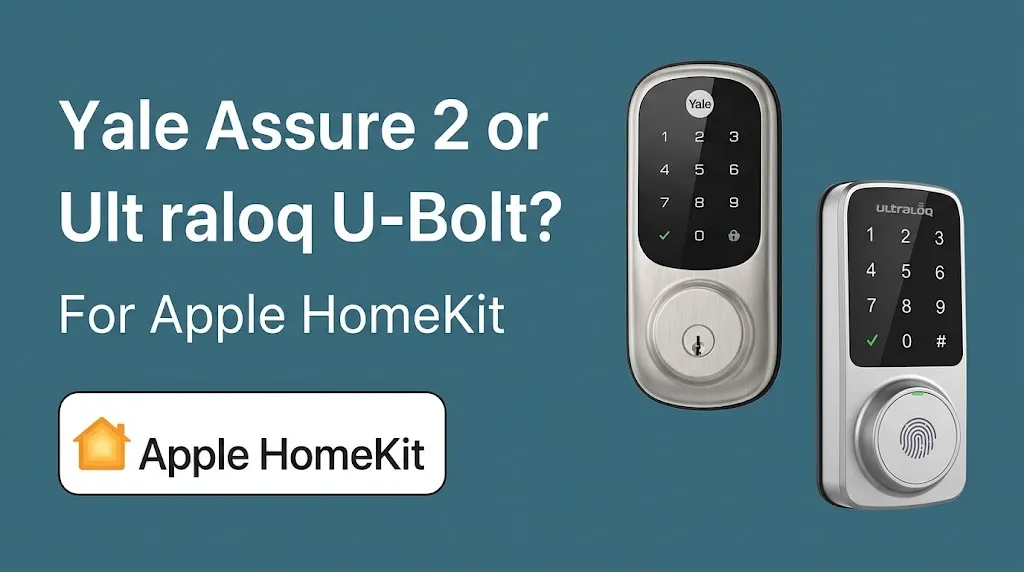
Ultraloq can still be a good option if you prefer fingerprint entry or want a smart lock with different access methods.
The regular U-Bolt and U-Bolt Pro offer entry methods that vary by version, including keypad access and fingerprint recognition on select models. However, those features do not automatically make a lock compatible with Apple HomeKit.
If you prefer Ultraloq, consider these distinctions:
- Bolt Fingerprint HomeKit version: A separate product designed to support Apple HomeKit.
- Bolt NFC: Supports Apple Home and Apple Home Key in its compatible configuration.
- Standard U-Bolt or U-Bolt Pro: Do not assume these support Apple HomeKit.
Check the exact product name and regional version before ordering. Choosing the right product family matters more than choosing the brand alone.
Which Smart Lock Should You Buy?
Your best option depends on the features you want rather than the brand name alone.
| Your priority | Better choice |
|---|---|
| Straightforward Apple HomeKit integration | Yale Assure Lock 2, compatible model |
| Unlocking by tapping an iPhone or Apple Watch | Yale Assure Lock 2 Plus or compatible Ultraloq Bolt NFC |
| Fingerprint access on a standard U-Bolt Pro | Ultraloq U-Bolt Pro, but not for native HomeKit |
| Keeping your smart home centered on Apple Home | Compatible Yale Assure Lock 2 or Ultraloq Bolt model |
| Using a regular U-Bolt with Apple HomeKit | Choose a compatible alternative instead |
Two practical examples can help make the decision clearer.
Scenario 1: You use Apple Home for your whole house.
You want to check the front door from your iPhone, use Siri, and build home automations. Choose a compatible Yale Assure Lock 2 model, or consider an Ultraloq Bolt model specifically designed for Apple Home.
Scenario 2: You mainly want fingerprint entry.
You prefer unlocking with a fingerprint and using keypad codes. An Ultraloq U-Bolt Pro may fit your entry preferences, but if Apple HomeKit is essential, consider the compatible Bolt Fingerprint version instead.
Frequently Asked Questions
Here are some common questions about Yale Assure Lock 2 and Ultraloq U-Bolt, including Apple HomeKit compatibility, Apple Home Key support, and the features to consider before choosing the right smart lock for your home.
Does the Ultraloq U-Bolt Pro work with Apple HomeKit?
No. The standard U-Bolt Pro does not support native Apple HomeKit integration. Ultraloq offers separate compatible products, including the Bolt Fingerprint HomeKit version and Bolt NFC.
Does Yale Assure Lock 2 support Apple Home Key?
The Yale Assure Lock 2 Plus supports Apple Home Key, allowing eligible iPhones and Apple Watches to unlock the door by tapping it. Other Assure Lock 2 models may support HomeKit without including Home Key.
Do I need a HomePod or Apple TV to use Yale Assure Lock 2 with Apple Home?
A compatible Yale lock may support local Apple Home control without a home hub, depending on the model and connection. A supported HomePod, HomePod mini, or Apple TV is needed for remote Apple Home control and relevant home automations.
Final Verdict
For the specific comparison Yale Assure Lock 2 vs. Ultraloq U-Bolt for Apple HomeKit, Yale Assure Lock 2 is the winner because compatible models integrate directly with Apple’s smart home platform, while standard U-Bolt models do not.
One practical tip: Before purchasing, verify the exact model number and distinguish HomeKit compatibility from Apple Home Key support. This simple check can prevent you from buying a smart lock that lacks the Apple features you want.