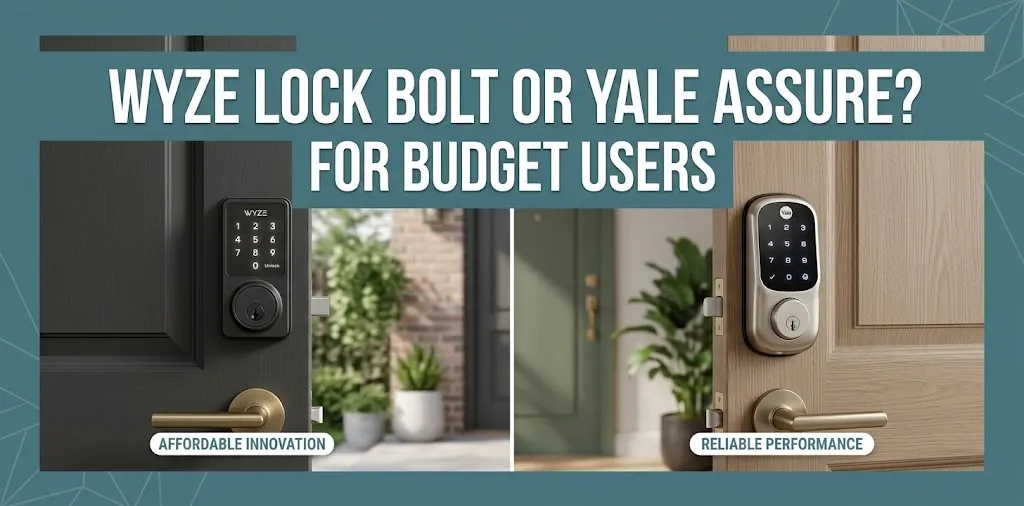
Wyze Lock Bolt or Yale Assure? For budget users?

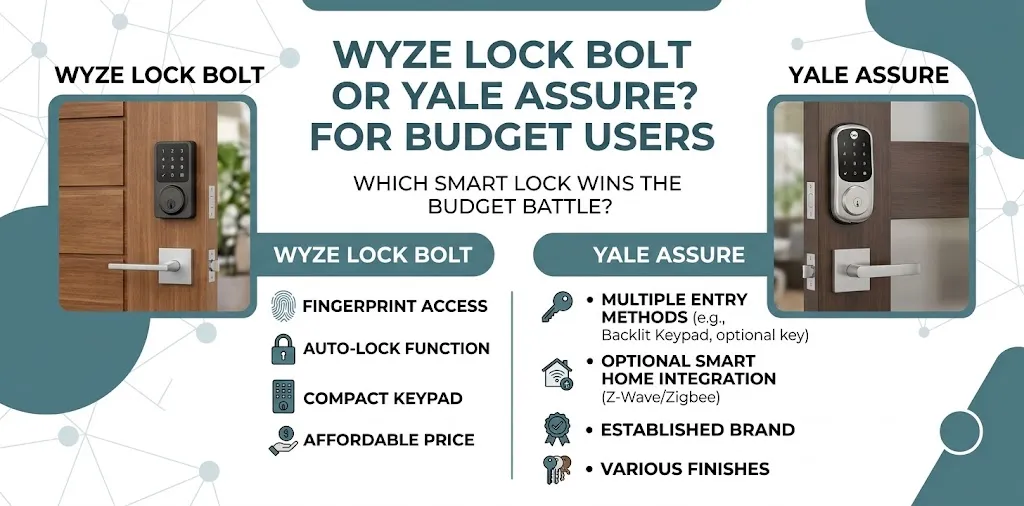
If you’re choosing between the Wyze Lock Bolt and the Yale Assure for a budget-friendly smart lock, the Wyze Lock Bolt is often the better choice if you want affordable keyless entry with a fingerprint reader. Yale Assure is worth considering if you want a broader range of lock options and smart-home features. The right choice depends on the exact Yale model, your door, and whether you need remote access or smart-home integration.
Wyze Lock Bolt vs. Yale Assure: Key Differences
The biggest difference is that Wyze focuses on affordable fingerprint and keypad entry, while Yale offers several smart-lock models with different access methods and smart-home options. For a fair comparison, this article focuses on the Wyze Lock Bolt v2 and the Yale Assure Lock 2 family. Features vary by Yale model and connectivity package.
| Feature | Wyze Lock Bolt v2 | Yale Assure Lock 2 |
|---|---|---|
| Best for | Budget-conscious buyers | Buyers who want more options |
| Fingerprint access | Yes | Available on Touch models |
| Keypad entry | Yes | Available, depending on model |
| Physical key | Available on v2 | Keyed and key-free versions |
| Wi-Fi access | Built-in Wi-Fi | Depends on model or module |
| Remote control | Yes, with Wi-Fi | Yes, with a compatible Wi-Fi setup |
| Smart-home integration | Primarily the Wyze ecosystem | More options on compatible models |
| Apple Home support | No native HomeKit support | Available on compatible models |
| Battery power | Eight AA batteries | Depends on model |
| Best value | Everyday keyless entry | Flexible smart-home features |
| Available |  | |
Always check the exact model before buying, especially for key access and smart-home compatibility.
1. Price and Overall Value
For budget users, the purchase price is often the first thing to consider. The Wyze Lock Bolt v2 is designed around practical entry features, including fingerprint recognition, access codes, and app-based controls. You don’t have to pay for a premium smart-home setup to get those basics.
Yale Assure covers a wider range of models. A basic Bluetooth version may cost less than a Wi-Fi or fingerprint-enabled configuration, while upgraded models can cost more. Compare the exact configurations rather than treating the whole product line as one lock.
Imagine you’re replacing the deadbolt on a house you own and mainly want to stop carrying keys. Paying extra for remote controls and smart-home integrations may not improve your daily experience enough to justify the additional cost.
However, if you want to check the lock while away from home, share access with family, or connect the lock to a compatible smart-home system, a more capable Yale configuration may offer better long-term value.
Budget verdict: Choose Wyze if its current price is lower and its included features cover your needs. Compare the total cost of a Yale model, including any required Wi-Fi module, before deciding.
2. Fingerprint Access and Everyday Convenience
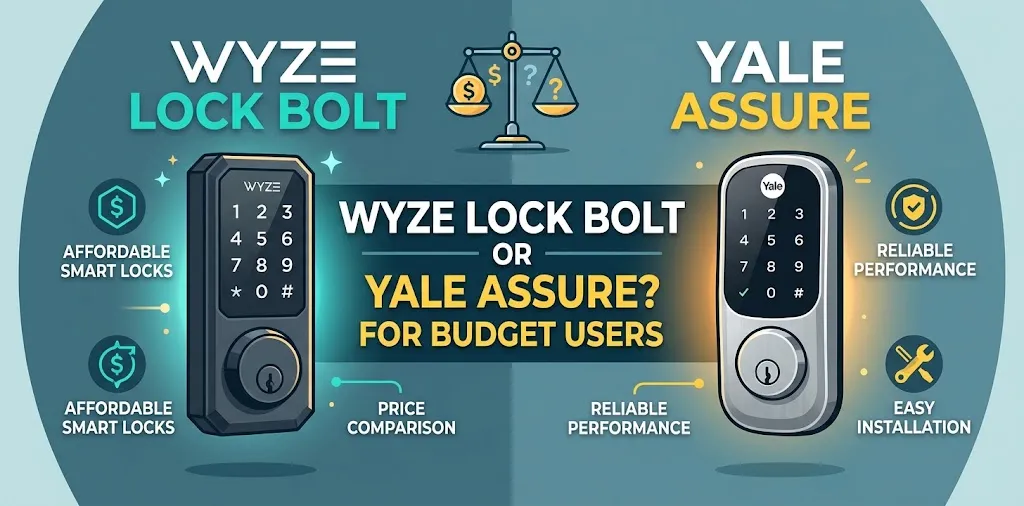
The Wyze Lock Bolt v2 is a strong choice if you want to unlock your door without carrying a key or remembering a code every time. You can register fingerprints and use the keypad when needed. The lock also supports access codes and automatic locking.
Yale’s standard Assure Lock 2 models don’t all include fingerprint recognition. If that feature matters to you, look at the Assure Lock 2 Touch instead. It combines fingerprint access with Yale’s app and compatible smart-home features.
The practical difference comes down to what you need at the door. Wyze offers a straightforward combination of fingerprint and code entry. Yale gives you more ways to configure your lock, but the model you select matters.
Neither fingerprint recognition nor keypad entry replaces the need for a properly installed, secure deadbolt.
3. Wi-Fi, Remote Access, and Smart-Home Features
This is one of the most important differences for buyers who want more than keyless entry.
Wyze Lock Bolt v2
The v2 model includes Wi-Fi, letting you check and control the lock through the Wyze app when the required network and app setup are working. It also supports lock-status notifications and access-history features.
Be careful not to confuse it with the original Wyze Lock Bolt. The older model is Bluetooth-only and does not support remote control through a Wi-Fi connection or the Wyze Lock Gateway.
Yale Assure Lock 2
Yale offers Bluetooth and Wi-Fi configurations. Bluetooth-only models provide local access within range, while compatible Wi-Fi-enabled setups can provide remote access and notifications. Some configurations also support Apple Home, Amazon Alexa, Google Home, and other smart-home platforms.
This flexibility is useful if your home already uses smart devices. But you should verify compatibility for the exact lock, module, hub, and smart-home platform you own.
For example, if you want to check whether your front door is locked while you’re away on a trip, remote access could be useful. If you only need a fingerprint reader for everyday entry, you may not need the extra integrations.
Smart-home verdict: Yale is the more flexible option across compatible models. Wyze Lock Bolt v2 is a practical alternative if its app-based remote features are enough for you.
4. Installation and Door Compatibility
Both locks are designed to replace a compatible deadbolt, but you should check your existing door before ordering.
The Wyze Lock Bolt v2 fits many standard US doors with a single-cylinder deadbolt. Wyze lists compatible door thicknesses of 1⅜ to 2 5/32 inches, along with specific requirements for the deadbolt openings. It isn’t designed for sliding doors, mortise locks, or multipoint locking systems.
Yale Assure Lock 2 also fits many standard residential doors, but compatibility depends on the model and existing hardware.
Before purchasing either option:
- Measure your door thickness and check the deadbolt opening.
- Confirm whether you need a keyed lock or a key-free model.
- Check the door’s alignment. A bolt that rubs against the strike plate may struggle to lock properly.
- Review the manufacturer’s installation guide for your specific model.
For a homeowner replacing a standard deadbolt, either product may be suitable. For a rental property, check compatibility and get the property owner’s approval before making changes.
5. Battery Life and Long-Term Ownership
The Wyze Lock Bolt v2 uses eight AA batteries and has a manufacturer-rated battery life of up to eight months under normal use. Actual battery life can vary with usage and conditions. It also has a USB-C emergency power port for situations where the batteries run out.
Yale’s battery requirements and expected runtime vary by model and configuration. Wi-Fi use and other operating conditions can affect how often you need to replace the batteries.
For either lock, check the battery indicator regularly and replace batteries when prompted. Don’t wait until the lock stops responding.
When comparing total ownership costs, consider more than the initial price:
- Replacement batteries
- Any required Wi-Fi module or hub
- Additional hardware needed for your setup
- Whether the lock works with your existing smart-home devices
A slightly more expensive lock may be worth it if it provides a feature you will use every day. Otherwise, paying for extra connectivity may not make sense for a budget buyer.
Which Smart Lock Should You Buy?
The right choice depends on which features you need most.
| Your priority | Better fit |
|---|---|
| Affordable fingerprint and keypad entry | Wyze Lock Bolt v2 |
| Remote access without an additional module | Wyze Lock Bolt v2, if its Wi-Fi features meet your needs |
| Fingerprint entry with Yale’s app | Yale Assure Lock 2 Touch |
| Apple Home integration | Compatible Yale Assure Lock 2 configuration |
| Choice of keyed and key-free designs | Yale Assure Lock 2 family |
| Simple keyless entry without advanced automation | Wyze Lock Bolt v2 |
These recommendations assume that both locks fit your door and that the models are available at reasonable prices. Confirm the exact feature set before purchasing.
For most budget-conscious buyers, the Wyze Lock Bolt v2 is the sensible starting point. It combines fingerprint access, a keypad, and Wi-Fi app controls without requiring you to purchase a premium smart-home lock.
Choose Yale instead if its particular features solve a problem that Wyze doesn’t, especially if you need Apple Home compatibility, a specific physical-key arrangement, or a different access method.
Frequently Asked Questions
Here are some frequently asked questions about the Wyze Lock Bolt and Yale Assure to help you compare their features, understand their differences, and choose the right smart lock for your budget and home security needs.
Is Wyze Lock Bolt better than Yale Assure for budget users?
Wyze Lock Bolt v2 is often the better value if you mainly need fingerprint access, keypad entry, and app-based control. Yale can justify a higher price when you need a particular smart-home feature or lock configuration.
Does Wyze Lock Bolt work with Apple HomeKit?
Wyze Lock Bolt v2 does not offer native Apple HomeKit integration. If Apple Home is essential, check the compatibility of the specific Yale Assure Lock 2 model before buying.
Can I control Wyze Lock Bolt remotely?
The original Wyze Lock Bolt is Bluetooth-only and cannot be controlled remotely over Wi-Fi. The newer Wyze Lock Bolt v2 includes Wi-Fi and supports remote app control when properly configured.
Final Verdict
The Wyze Lock Bolt v2 is the better starting point for budget users who want convenient fingerprint and keypad access. Yale Assure Lock 2 is the stronger alternative when you need a particular smart-home integration, a different access method, or more configuration choices.
One practical tip: compare the exact model numbers, not just the brand names. Confirm the included connectivity features and door compatibility before purchasing, then choose the least expensive model that meets your actual needs.