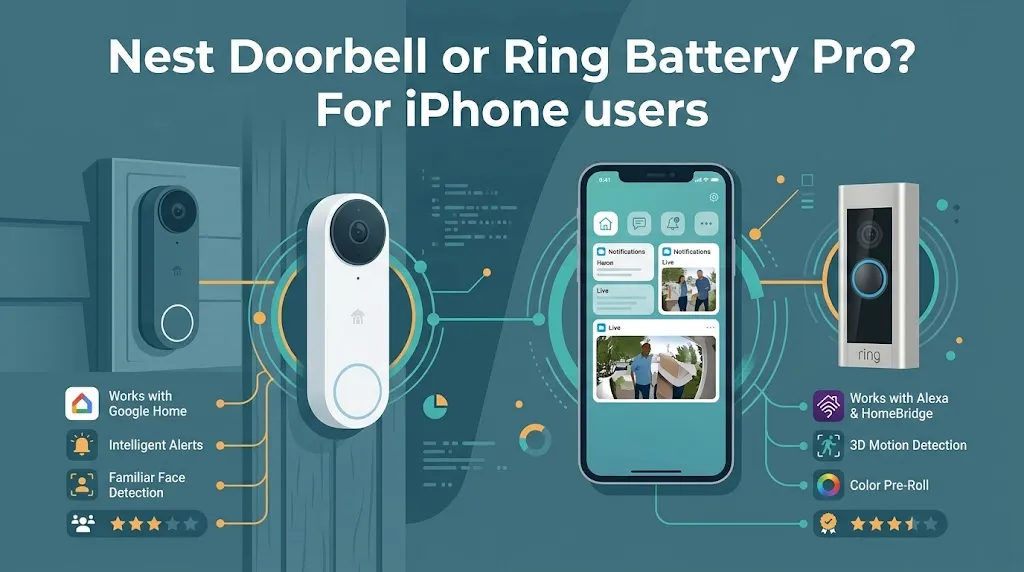
Nest Doorbell or Ring Battery Pro? For iPhone users?

If you use an iPhone, the Nest Doorbell is usually the better choice if you already use Google Home, while the Ring Battery Doorbell Pro is a strong option if you want detailed motion alerts and more control over how your doorbell detects visitors. Both can send notifications to an iPhone, but their app experiences, smart home integrations, video features, and subscription options differ. Your existing devices and preferred features should guide your decision.
How the Two Doorbells Compare
The comparison below covers the Nest Doorbell (Battery) and the original Ring Battery Doorbell Pro, not Ring’s newer 4K Pro model.
| Feature | Nest Doorbell (Battery) | Ring Battery Doorbell Pro |
|---|---|---|
| iPhone notifications | Yes, through Google Home | Yes, through Ring |
| Video resolution | 960 × 1280 pixels | 1536p HD+ |
| Live video | Yes | Yes |
| Two-way audio | Yes | Yes |
| Motion detection | Smart alerts and activity zones | 3D Motion Detection and Bird’s Eye View |
| Night viewing | Infrared night vision | Color night vision in low light |
| Battery | Built-in rechargeable battery | Removable, rechargeable battery pack |
| Video history | 3 hours included; longer history with a subscription | Cloud recording requires a compatible subscription |
| Smart home focus | Google Home | Ring and Alexa |
| Available |  | |
iPhone Compatibility: Which App Is Better?
Both doorbells work with iPhones, but neither should be confused with an Apple HomeKit-native doorbell.
Nest Doorbell: Best for Google Home Users
The Nest Doorbell uses the Google Home app on iOS. You can receive doorbell notifications, view live video, talk to visitors, and review recorded events from your iPhone. Setup requires a Google account.
It makes sense if you already use Google Home for smart speakers, cameras, or other connected devices. Keeping those devices in one app can make everyday use easier.
One drawback is that the battery model does not support continuous 24/7 video history, even when connected to doorbell wiring.
Ring Battery Doorbell Pro: Best for Detailed Motion Alerts
Ring’s iPhone app provides live video, two-way talk, and motion notifications. Its standout feature is 3D Motion Detection, which uses radar-based sensing to help identify movement and define areas where you want alerts. Bird’s Eye View can show the path of detected movement across your property.
For example, if your front door faces a busy sidewalk, you can configure detection zones to focus more on your entryway and less on passing pedestrians.
The trade-off is that some of Ring’s advanced features and recorded video history require a paid Ring subscription.
Video Quality and Motion Detection

Video quality matters when you want to see who is at the door, check a delivery, or understand what triggered an alert.
The Nest Doorbell offers a portrait-oriented 3:4 image at 960 × 1280 resolution. That shape is useful for seeing visitors from head to toe, along with packages placed near the doorstep. Its HDR and infrared night vision help with changing light conditions.
The Ring Battery Doorbell Pro offers 1536p HD+ video and a 150-degree horizontal and vertical field of view. Its radar-powered motion detection provides more detailed information about where movement occurs. It also offers color night vision in low light, although results depend on the lighting around your entrance.
Which wins? Ring has the edge for video resolution and advanced motion detection. Nest remains a capable choice for everyday visitor monitoring, especially if its Google Home features already fit your household.
Battery Life and Installation
Both models can be installed without relying on existing doorbell wiring, making them useful for homes where running new wires is inconvenient.
The Nest Doorbell has a built-in rechargeable battery. Google estimates that battery life can range from about one month in a busy location to six months in a quiet location. A typical usage scenario is around two and a half months, but temperature, settings, and activity levels affect actual results.
Ring’s Pro model has a removable, rechargeable battery pack. That makes charging more convenient if you have a spare compatible battery, although a spare may require an additional purchase.
Consider these two situations:
- You live in a busy apartment building: Frequent activity may cause either doorbell to use more battery. Adjusting motion zones can help reduce unnecessary recordings.
- You want to avoid taking the doorbell down for charging: Ring’s removable battery can be more convenient if you keep a charged spare available.
Before buying either device, check your Wi-Fi coverage at the front door. A weak signal can affect notifications and live video regardless of which model you choose.
Subscription Costs and Video History
The purchase price is only part of the cost. If you want to review events after they happen, check what each subscription includes before choosing a doorbell.
The Nest Doorbell (Battery) includes up to three hours of event video history without a subscription. Google Home Premium can extend event history to 30 days on the Standard plan or 60 days on the Advanced plan, subject to the current plan’s terms. It does not enable continuous 24/7 recording on the battery model.
Ring requires a compatible Ring subscription to save and replay recorded video events. Its subscription features can include extended video history, video descriptions, and other enhanced alerts.
Before making your choice, compare the current subscription price for your region and the exact features included. A cheaper doorbell can become more expensive over time if you pay for cloud recording every month.
What About Apple HomeKit and the Apple Home App?
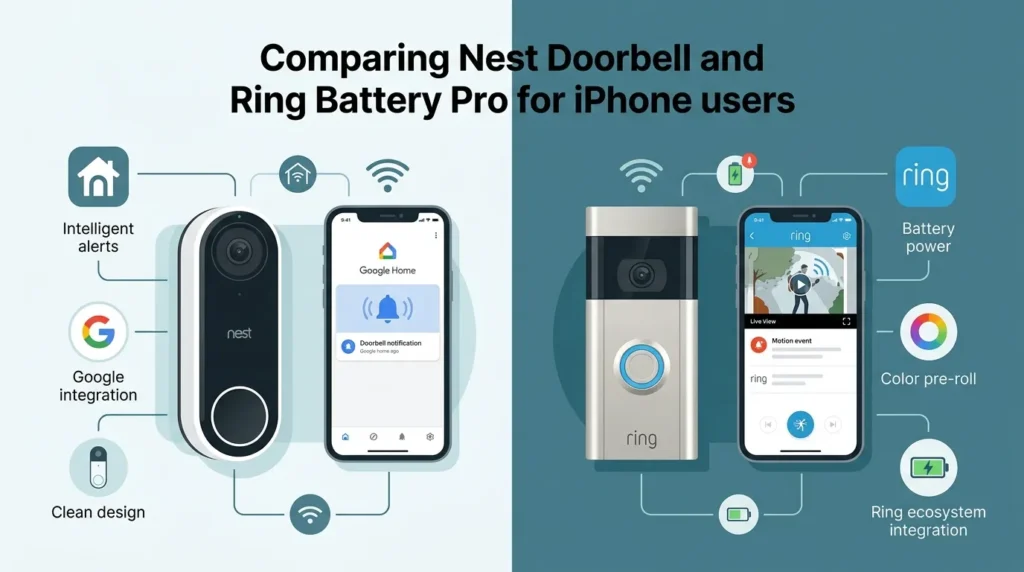
This is a key detail for iPhone owners: using an iPhone does not automatically make a doorbell compatible with Apple Home.
The Nest Doorbell relies on Google Home, while Ring relies on its own app and supports compatible Alexa devices. Do not assume either model will appear natively in Apple’s Home app or support HomeKit Secure Video.
If you want to view the camera and receive alerts on your iPhone, either product can work. If you want to manage your doorbell through Apple’s Home app alongside other HomeKit accessories, verify compatibility before purchasing rather than relying on general claims about smartphone support.
Which Doorbell Should You Choose?
Choose the Nest Doorbell (Battery) if:
- You already use Google Home.
- You want basic visitor alerts, live video, and two-way audio.
- You prefer a built-in rechargeable battery.
- You want some event video history without immediately paying for a subscription.
Choose the Ring Battery Doorbell Pro if:
- You want more detailed motion detection.
- You value radar-based detection zones and Bird’s Eye View.
- You prefer a removable battery pack.
- You are comfortable using Ring’s app and paying for cloud recording when needed.
There is one purchasing detail to check: Ring’s US product listing for the original Battery Doorbell Pro has shown it as discontinued, while Ring has introduced newer Pro models. Confirm the exact model and its US availability before comparing prices or buying a listing.
Frequently Asked Questions
Here are some common questions about the Nest Doorbell and Ring Battery Doorbell Pro to help you compare their iPhone compatibility, video features, battery life, and subscription requirements before choosing the right doorbell for your home.
Does the Nest Doorbell work with an iPhone?
Yes. The Nest Doorbell (Battery) works with the Google Home app on compatible iPhones. You can receive alerts, watch live video, speak to visitors, and review available recorded events.
Is Ring Battery Doorbell Pro better than Nest for iPhone users?
Ring is the stronger option if you prioritize advanced motion detection, detailed detection zones, and higher video resolution. Nest is a sensible choice if you already use Google Home and want straightforward doorbell monitoring.
Do I need a subscription for either doorbell?
Neither requires a subscription for every basic function, but cloud video history and certain advanced features require a paid plan. Nest includes up to three hours of event history, while Ring requires a compatible subscription to save and replay recordings.
Final Verdict
For most iPhone users choosing between these two models, the decision comes down to Google Home convenience versus Ring’s advanced motion detection. Nest is a practical fit for an existing Google Home setup, while Ring offers more detailed motion tracking and a removable battery.
One practical tip: before buying, confirm the exact Ring model, compare subscription costs, and check whether your preferred doorbell integrates with the smart home app you actually use.