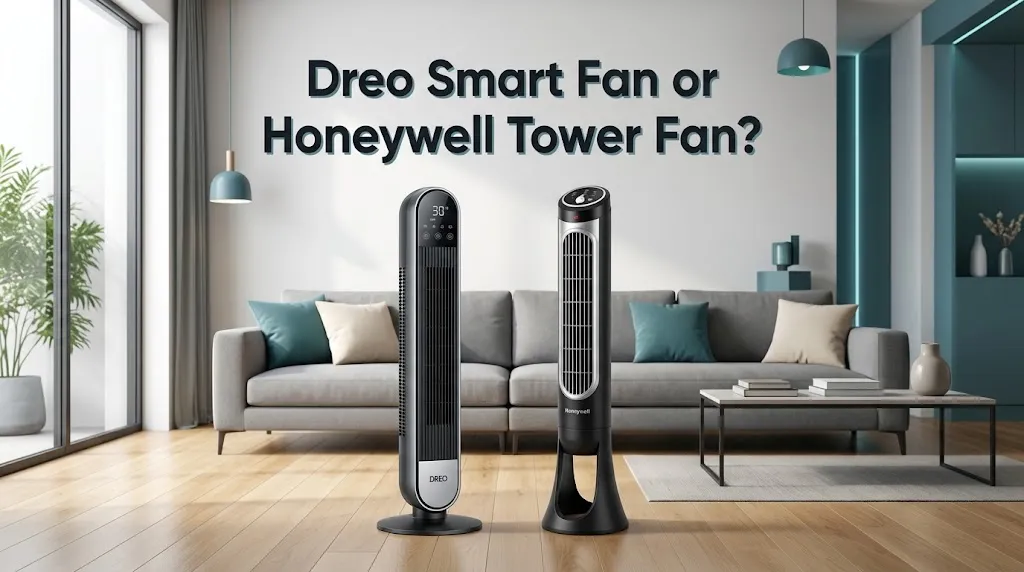
Dreo Smart Fan or Honeywell Tower Fan? For quiet night sleep?

If quiet nighttime sleep is your main priority, a Dreo smart tower fan is the better choice for most people who want low-noise airflow, adjustable speeds, and automatic sleep settings. Honeywell QuietSet tower fans are also worth considering, especially if you prefer simple controls and clearly labeled sound settings. The best option depends on the exact model, your noise sensitivity, and how much airflow you need.
How Dreo and Honeywell Compare for Bedroom Use
Both brands make tower fans designed for indoor cooling, but they approach nighttime comfort differently. Dreo focuses on adjustable airflow, sleep modes, and smart controls on selected models. Honeywell’s QuietSet range emphasizes graduated fan settings that let you choose between gentle airflow and stronger cooling.
| Feature | Dreo Smart Tower Fan | Honeywell QuietSet Tower Fan |
|---|---|---|
| Low-speed operation | Designed for quiet airflow; noise varies by model | Sleep and other low-noise settings on supported models |
| Sleep mode | Available on many models, with automatic speed reduction on supported fans | Available on selected models through low-speed QuietSet settings |
| Smart controls | App and Wi-Fi on compatible smart models | Depends on the model; many use a remote and control panel |
| Fan speed choices | Some models offer 9 or more settings | Common models offer 5 or 8 QuietSet levels |
| Display at night | Some models dim or turn off the display | Some models automatically dim the control panel |
| Timer | Available; duration varies by model | Available; settings vary by model |
| Best suited for | People who want flexible controls and sleep-focused features | People who prefer straightforward operation and simple sound-level choices |
| Availble |  | |
Which Fan Is Quieter While You Sleep?
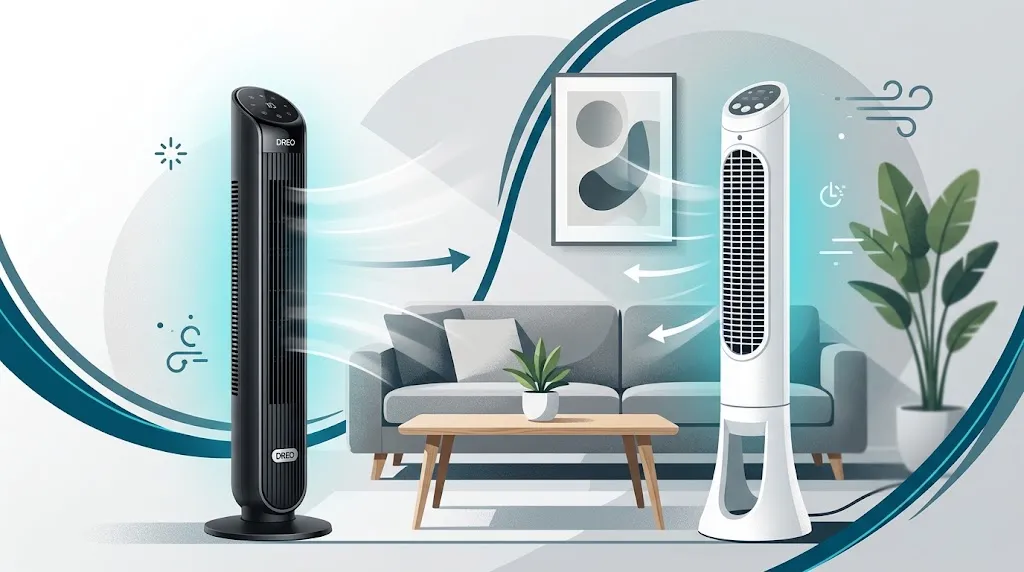
Dreo is worth considering if you want a fan with a low-noise setting and detailed speed control. Some Dreo models advertise low-speed noise levels around 25 dB, but the results depend on the model and testing conditions. Honeywell QuietSet models often describe their settings with names such as Sleep, Whisper, and White Noise instead of publishing comparable decibel figures.
Do not rely on advertised noise ratings alone. A fan’s sound in your bedroom depends on its speed, placement, room acoustics, and the distance between the fan and your bed.
Why the Lowest Fan Speed Matters
A fan can sound quiet in a product description but still bother you at night. Pay attention to the sound it makes at the speed you actually plan to use.
Common sounds include:
- Airflow noise: A steady rushing sound that gets louder as the fan speed increases.
- Motor noise: A hum that may be more noticeable in a very quiet room.
- Mechanical noise: Clicking, rattling, or vibration that can become distracting.
- Control sounds: Button beeps or other electronic sounds when adjusting settings.
A steady, low airflow sound may be easier to sleep through than irregular rattling. If you are a light sleeper, look for a fan that stays quiet at a useful airflow level rather than one that is quiet only when barely moving air.
Understanding Advertised Decibel Levels
Some Dreo models advertise low-speed noise levels around 25 dB, but these figures depend on the model and test conditions. Honeywell does not publish directly comparable noise figures for every QuietSet fan.
Do not compare two fans using their advertised decibel numbers alone. Measurement conditions may differ, and a manufacturer’s rating may not reflect the sound you hear at your bedside.
How Sleep Mode Affects Overnight Comfort
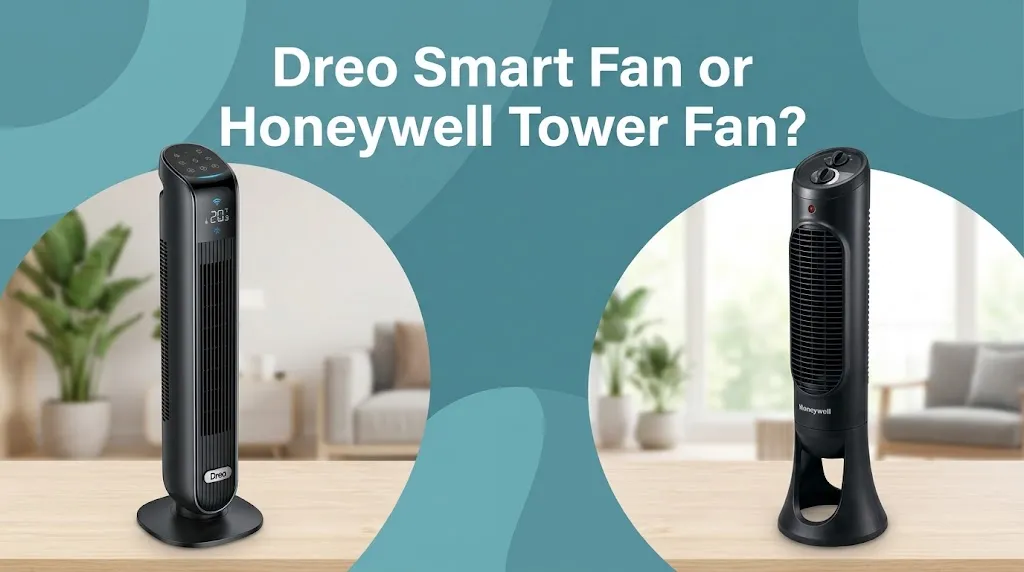
Sleep mode is one of the most useful features to consider when choosing a bedroom fan. It can reduce the need to wake up and adjust the controls when the airflow feels too strong.
Dreo’s Sleep Mode
On supported Dreo models, sleep mode gradually lowers the fan speed. Some models reduce the speed at intervals, eventually keeping it at a lower setting. Certain models also turn off button sounds and dim the display. The exact behavior depends on the fan.
This can be helpful if you like stronger airflow when first going to bed but prefer a gentler breeze later in the night.
One limitation is that automatic speed reduction may leave you feeling too warm if your room is hot. You may prefer a steady low or medium setting instead of a mode that keeps reducing the airflow.
Honeywell’s QuietSet Settings
Honeywell uses named sound and airflow levels on many QuietSet fans. Depending on the model, these can range from Sleep or Whisper to stronger settings such as Cool or Power Cool.
This approach works well if you want to select a comfortable speed yourself. However, a labeled Sleep setting does not necessarily mean the fan will automatically adjust its speed throughout the night.
Check the manual for your exact model before assuming that it offers automatic speed reduction, a timer, or display controls.
Which Fan Provides Better Airflow Without Disturbing Sleep?
Quietness is only useful if the fan still moves enough air to keep you comfortable.
Dreo offers several tower fan models with multiple speed levels and oscillation options. For example, some models provide nine speed settings and 90-degree oscillation. Other Dreo models offer different airflow and oscillation specifications.
Honeywell QuietSet fans also provide multiple airflow levels. You can select a lower setting for bedtime or increase the speed when the room feels warmer.
Your choice should depend on where you place the fan and how much airflow you need.
Consider these two examples:
- Example 1: A light sleeper in a small bedroom. A Dreo fan with a quiet low-speed setting and display-dimming feature may be a good fit. You can direct the airflow toward your sleeping area without running the fan at its highest speed.
- Example 2: Someone who prefers a simple fan beside the bed. A Honeywell QuietSet model may suit you if you want to choose a low setting with the remote and leave it running at a consistent speed.
Neither brand automatically wins for every room. A fan placed too far away may need a higher, noisier setting to deliver the airflow you want.
Smart Features vs. Simple Controls
The biggest difference between these brands may be how you want to operate the fan.
When Dreo’s Smart Features Are Useful
A compatible Dreo smart fan can offer app-based controls in addition to its physical buttons or remote. Depending on the model, you may be able to adjust settings from your phone instead of reaching across the room.
Smart controls are especially useful if you want more flexibility over fan settings. They are less important if you usually choose one speed before bed and leave it unchanged.
Check the product specifications carefully because standard and smart versions of similar fans may have different capabilities.
When Honeywell’s Controls Make More Sense
Honeywell QuietSet fans are a practical choice for people who prefer physical buttons, a remote, and easy-to-understand speed settings.
You may not need an app or Wi-Fi connection to control a bedroom fan. If your goal is simply to turn it on, select a comfortable airflow level, and set a timer, a basic QuietSet model may provide everything you need.
Before purchasing either brand, check whether the remote is included, whether the display can be dimmed or switched off, and whether the timer duration matches your routine.
What to Check Before Buying a Bedroom Tower Fan
A few details can make a bigger difference than the brand name.
- Lowest usable speed: Look for a fan that provides gentle airflow without an irritating motor hum.
- Display brightness: Bright lights can be distracting in a dark bedroom. Confirm that the display can dim or turn off if you need darkness.
- Timer options: Choose a timer that matches how long you want the fan to operate.
- Oscillation: Wider oscillation can distribute airflow across more of the room, but direct airflow may be more comfortable if you sleep in one spot.
- Mechanical stability: A fan with a loose base or uneven placement may vibrate or rattle. Place it on a level, stable floor.
- Cleaning and maintenance: Dust buildup can affect airflow and may contribute to unwanted noise. Follow the manufacturer’s cleaning instructions.
- Smart connectivity: If you want app controls, verify that you are buying a Wi-Fi-enabled model rather than a similar-looking standard version.
Also remember that a tower fan circulates air; it does not work like an air conditioner. If your bedroom is very hot, a fan may improve comfort without lowering the actual room temperature.
Is Dreo Worth Paying More for Than Honeywell?
That depends on the features you will use and the price of the exact models you are comparing.
A Dreo smart model may justify a higher price if you want app controls, flexible speed settings, or an automatic sleep mode. If you do not need smart features, paying extra for Wi-Fi may not improve your sleep.
Honeywell can make more sense if you want a straightforward fan with several quiet-speed settings and a remote. Compare the current prices, warranty terms, and features of the specific models rather than assuming one brand is always cheaper.
The best value is the fan that gives you comfortable airflow at a sound level you can tolerate, with controls you find easy to use.
Frequently Asked Questions
Choosing between a Dreo Smart Fan and a Honeywell QuietSet Tower Fan can raise a few questions, especially if quiet operation and comfortable sleep are your main priorities. Here are answers to common questions about noise levels, sleep mode, and overnight use to help you choose the right fan for your bedroom.
Is Dreo or Honeywell Better for Light Sleepers?
Dreo is a strong starting point if you want a fan with low-speed operation, adjustable airflow, and sleep-focused features. Honeywell QuietSet is also a good option if you prefer selecting a quiet setting manually. The exact model and its real-world sound matter more than the brand alone.
Does Dreo’s Sleep Mode Make the Fan Quieter Throughout the Night?
Some Dreo models automatically lower their speed at intervals during sleep mode, which can reduce airflow noise as the night goes on. The behavior varies by model, so check the manual to confirm how your chosen fan operates. You can also use a fixed low speed if you prefer consistent airflow.
Can a Honeywell QuietSet Tower Fan Run All Night?
Many Honeywell QuietSet models have settings suitable for extended bedroom use, but timer options and other features depend on the model. If you want the fan to run until morning, check whether its timer can be disabled and follow the operating instructions in the manual.
Final Verdict
For quiet nighttime sleep, Dreo Smart Fan is the better overall choice if you want adjustable airflow, low-noise operation, and sleep-focused features. Its smart controls and multiple speed settings can make it easier to create a comfortable bedroom environment.
Honeywell QuietSet Tower Fan is a better fit if you prefer simple controls, a remote, and easy-to-use quiet settings without needing smart features.