Home Assistant Green or Habitat C8? For local automation?

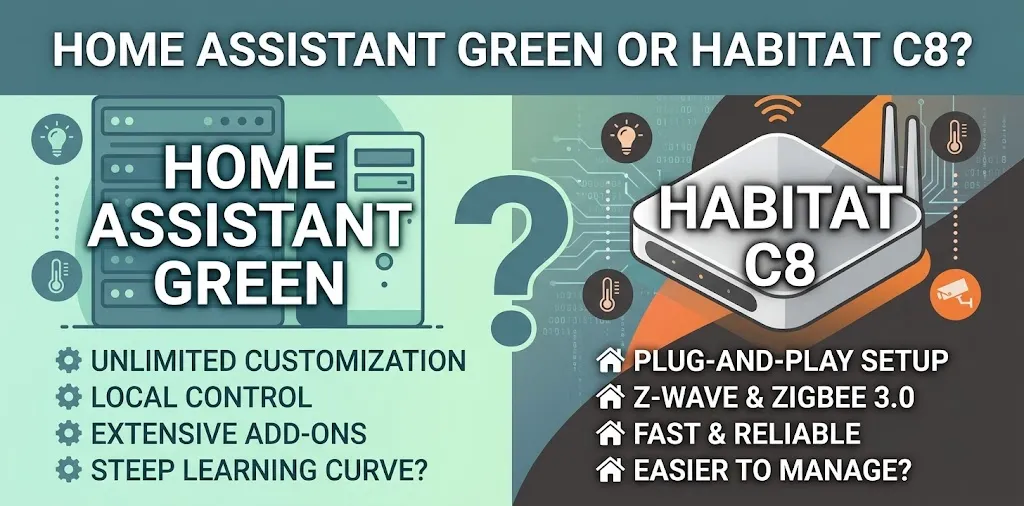
If your main goal is local smart home automation, both Home Assistant Green and Hubitat Elevation C-8 are strong options. Home Assistant Green is the better choice for flexibility, advanced integrations, and custom automation, while Hubitat C-8 is better for a simpler, dedicated hub with built-in Zigbee and Z-Wave radios. Your best option depends on your devices, technical comfort, and how much control you want over your smart home.
One clarification: the product is called Hubitat Elevation C-8, not Habitat C8. This comparison uses the Hubitat C-8 as the intended product.
Home Assistant Green vs. Hubitat C-8: The Main Differences
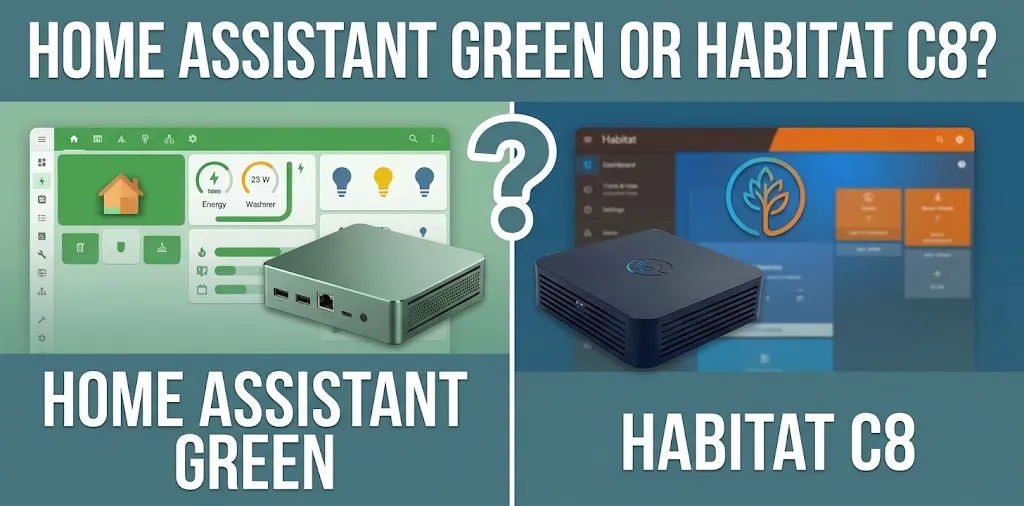
Home Assistant Green is dedicated hardware designed to run the open-source Home Assistant platform. Hubitat Elevation C-8 is a local smart home hub with built-in wireless radios and its own automation tools. Both can execute supported automations locally, but they take different approaches to device compatibility and setup.
| Feature | Home Assistant Green | Hubitat Elevation C-8 |
|---|---|---|
| Main purpose | Flexible, customizable smart home platform | Dedicated local automation hub |
| Local automation | Yes, for supported local integrations | Yes, for supported local devices and rules |
| Zigbee | Requires compatible additional hardware | Built in |
| Z-Wave | Requires compatible additional hardware | Built in |
| Matter | Supported with the required setup | Supported |
| Device integrations | Broad integration library | Broad device compatibility |
| Customization | Extensive integrations, scripts, and automation options | Built-in automation apps, rules, and custom drivers |
| Setup experience | Beginner-friendly hardware, but advanced configuration can take time | Straightforward hardware setup with its own automation interface |
| Internet outage | Local automations can continue working | Local automations can continue working |
| Ongoing subscription | Not required for core local automation | Not required for core local automation |
| Available |  | |
Individual devices and cloud-dependent features may behave differently, so confirm compatibility before purchasing.
Which Hub Is Better for Local Automation?
The main difference is how much freedom you want and how much setup you’re willing to handle.
Home Assistant Green: Best for Flexible Automation
Home Assistant Green runs Home Assistant, an open-source platform built to bring many smart home devices and services into one system. Its integration library supports a wide range of brands and technologies.
You can build automations that combine information from different parts of your home rather than relying on a single manufacturer’s app.
For example, imagine you want your smart lights to turn on when a motion sensor detects activity after sunset. You could expand that automation to check whether someone is home, adjust the brightness, and avoid turning on lights when the room is already bright.
Home Assistant is especially useful when you want to connect devices that don’t normally work together. You can also create custom dashboards, use detailed conditions, and adjust automation behavior to fit your household.
Its main drawback is the learning curve. Basic automations are accessible to beginners, but more advanced setups may involve troubleshooting integrations, adjusting configuration settings, and maintaining the system.
Home Assistant Green also lacks built-in Zigbee and Z-Wave radios. If your devices use those protocols, you’ll need compatible additional hardware or another supported connection method.
Choose Home Assistant Green if you want:
- Control over complex, multi-device automations.
- A broad selection of integrations.
- Custom dashboards and detailed device controls.
- Room to expand your smart home over time.
- An open-source platform with extensive community resources.
Hubitat C-8: Best for Straightforward Local Control
The Hubitat Elevation C-8 is designed for people who want a dedicated hub to coordinate compatible smart devices locally. It includes Zigbee 3.0 and Z-Wave 800-series radios, so you don’t need to purchase separate radio hardware just to connect devices using those protocols. It also supports Matter.
Hubitat includes tools for common automation tasks, such as controlling lights based on motion, scheduling thermostat changes, and creating rules based on device states or household routines.
Consider a hypothetical evening routine. When a door sensor detects that the front door has opened after sunset, Hubitat could turn on an entry light. You could then add conditions or other actions using its built-in automation tools.
Hubitat also supports more advanced customization through Rule Machine, community-developed apps, and custom drivers. It isn’t limited to simple on-and-off routines.
Its trade-off is that its ecosystem and configuration approach differ from Home Assistant. If you want to connect an unusual device or build a highly specialized dashboard, you should check whether Hubitat supports the required integration before buying.
Choose Hubitat C-8 if you want:
- Built-in Zigbee and Z-Wave connectivity.
- Local control for supported devices.
- A dedicated hub with built-in automation tools.
- Less need to assemble a custom hardware setup.
- A system that doesn’t require a subscription for normal local operation.
Local Automation: What Happens When the Internet Goes Down?
Local automation means the hub can process supported rules inside your home instead of sending every command to an external server.
Both Home Assistant Green and Hubitat C-8 support this approach. However, local automation does not mean every smart home feature works offline. A routine that depends on an online weather service, cloud-based voice processing, or a manufacturer’s remote server may stop working when the internet is unavailable.
For example, a motion sensor that communicates directly with your hub may still turn on a compatible light during an internet outage. A routine that checks an online weather forecast before opening smart blinds may not work as expected.
There are three things to check when evaluating local control:
- Local device communication: Can the hub communicate directly with the device?
- Local rule execution: Does the automation run on the hub without an internet connection?
- External dependencies: Does any step require a cloud service, remote server, or internet-based account?
These details matter more than a general claim that a hub supports local automation.
Which Is Easier to Set Up?
Both products are designed to make home automation accessible, but their setup experiences are different.
Home Assistant Green is designed as a plug-and-play way to get started with Home Assistant. You connect its power supply and Ethernet cable, complete the initial setup, and begin adding compatible devices. An internet connection is required for initial setup. Advanced configuration may take additional effort as your system grows.
Hubitat C-8 also has a guided setup process. You connect it to your network and power, then use its interface to pair devices and create automations. Its built-in radios make it convenient for households with Zigbee and Z-Wave devices.
The difference becomes clearer after installation. Home Assistant offers more room to customize how devices, dashboards, and integrations work together. Hubitat provides its own set of automation tools and a more focused hub experience.
Neither is entirely maintenance-free. Both may require updates, troubleshooting, or compatibility checks when you add devices or change your network.
Device Compatibility: Check Before You Buy
A hub’s advertised compatibility count doesn’t guarantee that every feature of every device will work. The specific model, connection protocol, firmware, and available integration all matter.
Home Assistant offers broad integration support, but you should check its compatibility documentation for the exact device you plan to use. Some devices connect locally, while others rely on cloud integrations or require extra hardware.
Hubitat supports many Zigbee, Z-Wave, Matter, LAN, and cloud-connected devices. However, the correct driver and the features you need still matter.
Before choosing either system, make a short list of your existing devices:
- Smart bulbs, switches, and dimmers.
- Door and window sensors.
- Motion and occupancy sensors.
- Smart locks and thermostats.
- Smart plugs and other connected appliances.
- Voice assistants and services you already use.
Then identify the protocol each device uses and check whether the hub supports the specific functions you need.
For instance, a smart lock might be discoverable by a hub but still lack support for a feature such as reporting its battery level or controlling a particular setting. Confirming those details can save you from buying hardware that doesn’t meet your needs.
Cost and Long-Term Value
The purchase price is only one part of the cost of a local automation system.
Home Assistant Green has an official recommended US price of $199 before taxes, although retailer prices may differ. If you need Zigbee or Z-Wave connectivity, additional compatible hardware can increase your initial cost.
Hubitat C-8 includes its Zigbee and Z-Wave radios, so those connections don’t require a separate radio stick. You should still check the current price of the exact C-8 model you’re considering and compare it with the total cost of a complete Home Assistant setup.
Other costs depend on your plans. You might need compatible sensors, smart switches, a Thread border router, or optional cloud services for certain features.
Neither platform requires a subscription for its core local automation capabilities. Home Assistant Cloud is an optional paid service for features such as convenient remote access and voice-assistant integration. Hubitat also offers optional subscription services, while its core hub functionality does not require a recurring fee.
For the fairest comparison, calculate the cost of the hub, required accessories, and any optional services you actually intend to use.
Two Realistic Scenarios: Which One Makes More Sense?
Scenario 1: You Want a Highly Customized Smart Home
Imagine you have smart lights, temperature sensors, motion detectors, and several devices from different manufacturers. You want a dashboard that shows the entire house and automations that combine multiple conditions.
Home Assistant Green is the stronger fit. Its broad integrations and flexible automation options make it easier to build a system around your specific needs.
You may need to spend more time configuring and maintaining the system, but that effort gives you more freedom to customize it.
Scenario 2: You Mainly Want Reliable Local Routines
Now imagine you want your lights, sensors, switches, and compatible locks to respond locally. You prefer using built-in tools rather than spending time exploring a large integration ecosystem.
Hubitat C-8 is a sensible choice. Its built-in Zigbee and Z-Wave radios reduce the need for additional connectivity hardware, and its automation tools cover many common household routines.
You can still create complex rules, but the main appeal is having a dedicated hub with the required radios already included.
Can You Use Home Assistant and Hubitat Together?
Yes. You can use Hubitat to connect supported Zigbee and Z-Wave devices and manage certain local automations, while Home Assistant provides a broader interface for integrating devices and services.
This approach may make sense if you already own a Hubitat hub and want Home Assistant’s dashboards or integrations. However, connecting the two systems introduces another layer to configure and maintain.
It also means you should decide which hub is responsible for each automation. Duplicating the same rule on both systems can create confusing behavior or conflicting commands.
For a new smart home, start with one platform unless you have a clear reason to use both.
FAQ
If you’re still deciding, these common questions can help you choose the right hub for your existing devices and the kind of local automation you want to build.
Is Home Assistant Green better than Hubitat C-8 for beginners?
Both are suitable for beginners, but they serve different preferences. Home Assistant Green offers a straightforward initial setup and more room to explore integrations, while Hubitat C-8 provides built-in Zigbee and Z-Wave radios and a dedicated automation interface.
Which hub works better without the internet?
Both can run supported local automations without an active internet connection. However, features that depend on cloud services, online information, or remote servers may stop working, so check the dependencies of your specific devices and routines.
Does Home Assistant Green need a Zigbee or Z-Wave dongle?
Home Assistant Green does not include built-in Zigbee or Z-Wave radios. You’ll need compatible additional hardware for direct communication with devices using those protocols, while Hubitat C-8 includes both radios in the hub.
Final Verdict
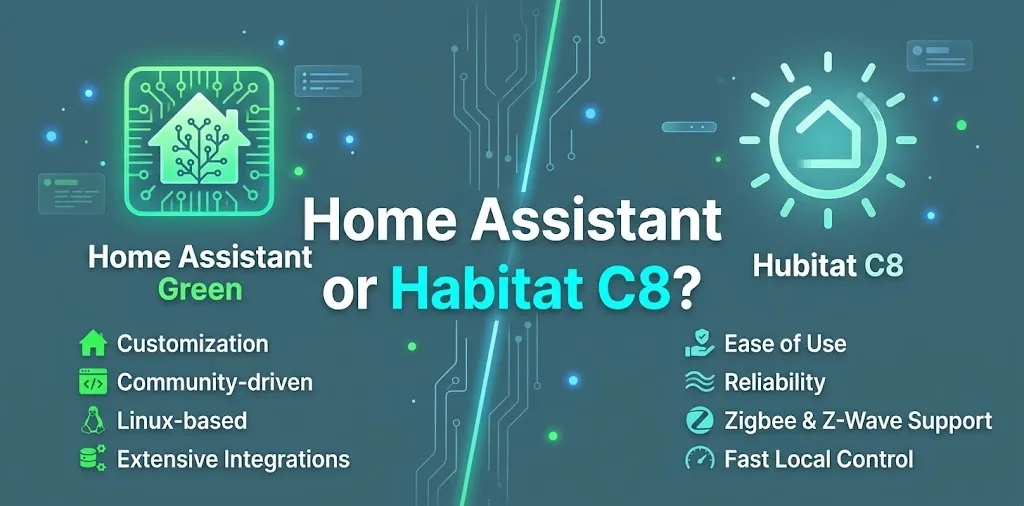
Home Assistant Green wins for flexibility and customization. Hubitat C-8 wins for built-in Zigbee and Z-Wave connectivity and a dedicated local-hub experience.
If you want to connect a wide range of devices, build detailed dashboards, and create highly customized routines, choose Home Assistant Green. If you prefer built-in wireless radios and a focused automation system, choose Hubitat C-8.