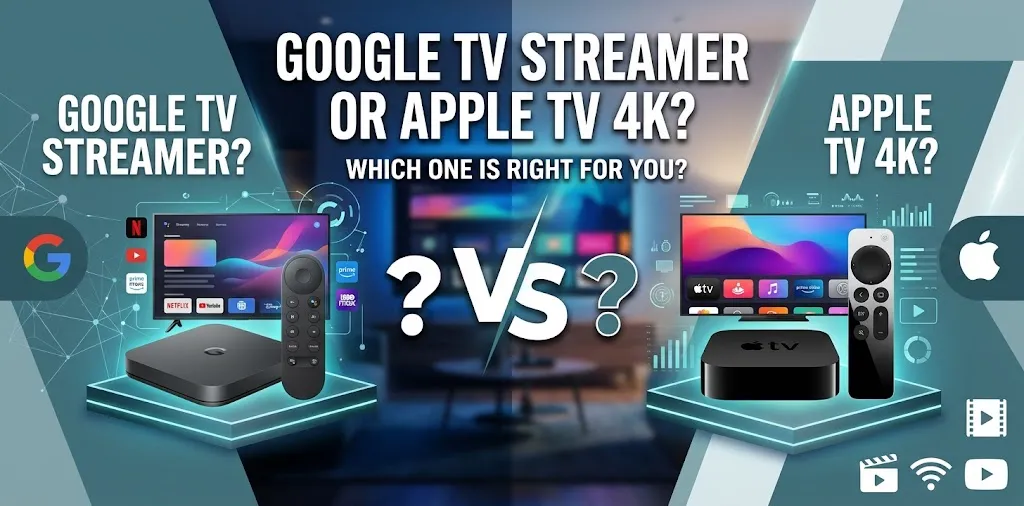
Google TV Streamer or Apple TV 4K? For smart home control?

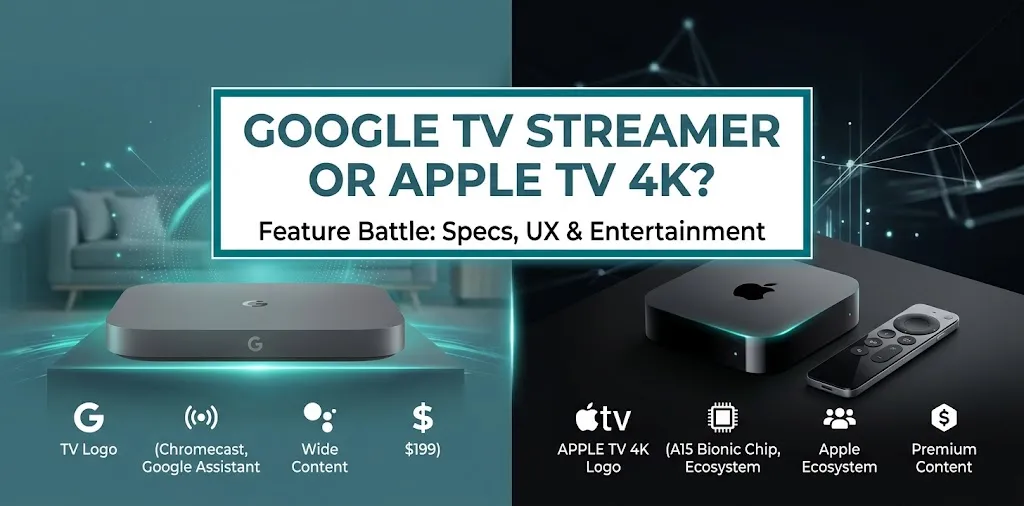
The Google TV Streamer (4K) is the better choice for most households building a Google Home smart home because it includes a Matter hub, a Thread border router, and direct integration with Google Home. The Apple TV 4K is the stronger option for households already using Apple Home, Siri, and iPhones. The right choice depends on your existing devices and preferred ecosystem.
What Makes These Two Streaming Devices Different?
Both devices connect to your television through HDMI and support smart home features, but they are designed around different ecosystems. The Google TV Streamer works as a Google Home and Matter hub with built-in Thread support. Apple TV 4K works as an Apple Home hub, letting you manage compatible accessories and automations through Apple’s Home app.
Google TV Streamer (4K)
Best for Google Home households.
- Built-in Matter hub and Thread border router
- Google Home integration
- Voice control through Google Assistant
- Built-in Ethernet connection
- 4K streaming support
Google’s listed US price has been $99.99, though current pricing may vary.
Apple TV 4K
Best for Apple Home households.
- Apple Home hub functionality
- Control through the Home app and Siri
- Smart home automations and remote access
- Matter support, with Thread availability depending on the model
- 4K streaming support
Check the exact model and current US price before buying.
Smart Home Control: Google Home vs. Apple Home
The biggest difference is not how well these devices stream movies. It is how easily they fit into the smart home you already own.
Google TV Streamer: Better for Google Home
The Google TV Streamer is more than a media player. It can serve as the central hub for compatible Google Home devices, including supported Matter accessories that communicate over Wi-Fi or Thread. You can add supported devices to your Google Home setup and control them through Google’s smart home ecosystem.
This makes it useful for households that use Google Home to manage lights, plugs, thermostats, sensors, and other compatible accessories.
For example, imagine you have smart lights in your living room and Thread-enabled sensors around the house. The Google TV Streamer can provide the hub and Thread networking capabilities those compatible devices need, potentially saving you from buying another hub.
Its main advantages include:
- Google Home integration: A natural fit for households already managing devices in the Google Home app.
- Matter support: Helps connect compatible products from different manufacturers.
- Built-in Thread border router: Supports compatible Thread devices without requiring a separate Thread border router for that network.
- Voice-enabled entertainment: Its remote lets you search for shows and movies using your voice.
However, not every smart home feature is available directly on the TV screen. Some setup tasks, device settings, and automations still require the Google Home app. Device compatibility also depends on the accessory and its supported features.
Apple TV 4K: Better for Apple Home
Apple TV 4K is a strong option if your household uses iPhones, iPads, Siri, and the Apple Home app. When configured as a home hub, it supports remote access to compatible accessories, shared home control, and automations.
For example, you could set up an automation that turns on compatible lights when a door sensor is triggered, or check supported accessories while away from home. The Apple TV provides the hub functionality, while the Home app is where you manage your smart home.
Its main advantages include:
- Apple Home integration: Fits naturally into an existing Apple setup.
- Siri support: Lets you issue voice commands through supported Apple devices and interfaces.
- Remote access: A properly configured home hub helps you control supported accessories while away.
- Automations: Allows compatible devices to work together according to schedules or triggers.
There is one hardware detail to check before purchasing. Thread support varies by Apple TV 4K generation and configuration. The third-generation Wi-Fi + Ethernet model supports Thread, as does the second-generation model. If you plan to use Thread accessories, verify the exact model rather than relying on the Apple TV 4K name alone.
Google TV Streamer vs. Apple TV 4K: Feature Comparison
| Feature | Google TV Streamer (4K) | Apple TV 4K |
|---|---|---|
| Main smart home platform | Google Home | Apple Home |
| Smart home hub | Yes, for Google Home and Matter | Yes, for Apple Home |
| Matter support | Yes | Yes |
| Built-in Thread | Yes | Depends on model |
| Voice assistant | Google Assistant | Siri |
| Smart home app | Google Home | Apple Home |
| Remote control of accessories | Through supported Google Home features | Through supported Apple Home features |
| Best household fit | Google and Android-oriented setups | iPhone and Apple-oriented setups |
| Built-in Ethernet | Yes | Available on the Ethernet-equipped model |
| 4K streaming | Yes | Yes |
| Available |  | |
These capabilities depend on compatible accessories, software, network setup, and—in Apple’s case—the specific Apple TV model. Matter support does not mean every accessory feature works identically across both ecosystems.
Matter and Thread: Which Device Is More Useful?
Matter and Thread are related but different technologies, and understanding them can prevent an expensive buying mistake.
Matter is a smart home interoperability standard that helps compatible devices work with multiple smart home platforms. Thread is a low-power wireless networking technology used by many smart home accessories.
A Matter device can use Wi-Fi or Thread, among other supported connection types. If you want to use Thread-based Matter accessories, you need a compatible Thread border router for your chosen setup.
Why Google TV Streamer Has an Advantage
Google’s streamer combines a Matter hub and Thread border router in one device. That is particularly convenient if you are building a Google Home system from scratch and do not already own compatible hub equipment.
For example, if you are buying compatible Thread smart bulbs and sensors for a new apartment, the streamer can provide the networking role they need while also handling your TV streaming.
When Apple TV 4K Makes More Sense
Apple TV 4K makes sense when Apple Home is your preferred platform and you want your TV streaming device to double as a home hub.
You should still check the model’s Thread capabilities and confirm that your accessories support Apple Home or Matter. If you already own a compatible HomePod or another supported hub, you may not need to buy an Apple TV specifically for smart home control.
Everyday Smart Home Scenarios
The best choice becomes clearer when you consider how you actually use your home.
Scenario 1: You Want to Control Lights, Plugs, and Sensors
Suppose your household uses the Google Home app and plans to add smart lighting, plugs, and Thread sensors.
The Google TV Streamer is the more straightforward choice because its built-in hub and Thread border router support this type of Google Home setup. You can use one device for streaming and compatible smart home networking.
If you use Apple Home instead, Apple TV 4K may be a better fit, provided you select the appropriate model and accessory combination.
Scenario 2: You Use an iPhone and Apple Home Every Day
Suppose your home already has compatible smart locks, lights, and sensors configured through Apple’s Home app.
Apple TV 4K is the logical option if you also want a streaming device that can serve as your Apple Home hub. You can keep your existing setup rather than shifting your main smart home management to Google Home.
Buying the Google TV Streamer solely for its smart home features may add little value if your important devices and automations already depend on Apple Home.
Scenario 3: Your Household Uses Both Android and Apple Devices
Mixed-device households should focus on accessory compatibility rather than phone brands alone.
Matter can help compatible devices work across supported ecosystems, but it does not guarantee that every advanced feature, automation, or camera integration will be available in both apps.
Before choosing either streamer, list your essential accessories and check whether each supports Google Home, Apple Home, or both. This simple check is more useful than choosing a device based on its streaming features alone.
Price and Overall Value
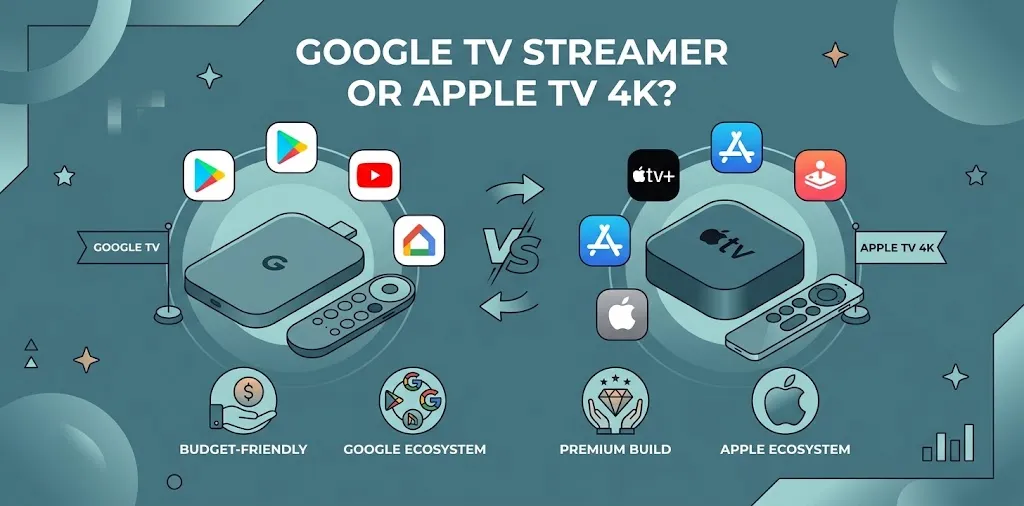
The Google TV Streamer (4K) has been listed at $99.99 in the US. The Apple TV 4K’s cost depends on the model and retailer, so check current pricing before comparing the total expense.
The purchase price is only one part of the decision. Consider whether the device replaces a hub you would otherwise need to buy.
- Google TV Streamer: Strong value if you want Google TV streaming, Google Home integration, Matter support, Thread, and Ethernet in one device.
- Apple TV 4K: Strong value if you want Apple TV streaming and Apple Home hub functionality in a household already built around Apple products.
- Neither device automatically replaces every smart home hub: Some proprietary accessories, security systems, and manufacturer-specific features may require additional equipment.
Also consider the cost of your existing setup. If you already have a suitable hub, buying another device just to gain basic smart home control may not be necessary.
Common Mistakes to Avoid Before Buying
A few checks can help you avoid compatibility problems.
- Assuming Matter means every feature works everywhere. Basic device control may work while advanced functions remain tied to a manufacturer’s app or a specific ecosystem.
- Ignoring Thread requirements. A Thread accessory needs a compatible Thread network, not just any streaming box.
- Buying Apple TV 4K without checking its generation. Thread support is model-dependent.
- Expecting the TV to replace your phone’s smart home app. Both platforms still rely on their respective apps for setup and some management tasks.
- Buying a second hub unnecessarily. Check your existing Google Home or Apple Home equipment before spending more money.
Frequently Asked Questions
Choosing between the Google TV Streamer and Apple TV 4K for smart home control can be tricky, especially if you want your streaming device to work smoothly with your existing smart home accessories. These frequently asked questions cover compatibility, hub requirements, and the key differences to help you choose the right device for your home.
Is Google TV Streamer better than Apple TV 4K for smart home control?
Google TV Streamer is better for most Google Home users because it includes both a Matter hub and a Thread border router. Apple TV 4K is the better fit for Apple Home users who want compatible home control and streaming in the same device.
Can Google TV Streamer control Apple Home devices?
Some smart home accessories can work with both platforms when they support Matter, but compatibility is not universal. Check the specific accessory’s Matter support and which features are available in Google Home before purchasing.
Do I need a separate smart home hub with Apple TV 4K?
Apple TV 4K can serve as an Apple Home hub when properly configured, so you may not need another hub for supported accessories. However, Thread-based devices require suitable Thread networking hardware, and the capabilities depend on the Apple TV model or another compatible Thread border router.
Final Verdict
The Google TV Streamer is the better choice for Google Home users, while the Apple TV 4K is the better option for Apple Home users. Google offers built-in Matter and Thread support, making it convenient for connecting compatible smart home devices. Apple TV 4K fits naturally into homes that rely on iPhones, Siri, and the Apple Home app.
Before buying, check your existing smart home devices and their compatibility. Choosing the streamer that matches your current ecosystem will help you manage your connected home with fewer complications.