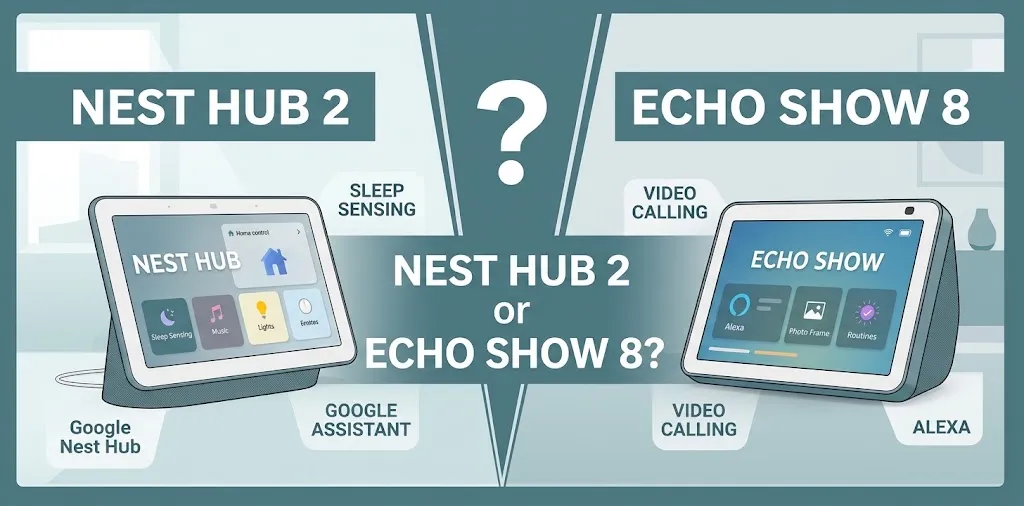
Nest Hub 2 or Echo Show 8? For bedside clock?

The Google Nest Hub (2nd Gen) is the better choice for a simple bedside clock if you want a compact display, a camera-free design, and sleep-tracking features. The Amazon Echo Show 8 is better if you prefer a larger screen, stronger audio capabilities, Alexa routines, and video calls. For a nightstand, your preferred smart-home ecosystem and nighttime display settings matter most.
How the Nest Hub 2 and Echo Show 8 Compare as Bedside Clocks
Both smart displays can replace a traditional alarm clock while giving you access to voice commands, music, timers, weather updates, and smart-home controls. The main difference is how much you want your bedside device to do beyond telling time.
| Feature | Google Nest Hub (2nd Gen) | Amazon Echo Show 8 |
|---|---|---|
| Display | 7-inch touchscreen | 8-inch touchscreen on common generations |
| Voice assistant | Google Assistant | Alexa |
| Camera | No camera | Camera on camera-equipped models |
| Sleep sensing | Yes, using Motion Sense | No equivalent built-in sleep-tracking feature |
| Photo display | Google Photos integration | Amazon Photos and supported photo services |
| Video calls | No built-in camera | Supported on compatible models |
| Smart-home control | Google Home | Alexa |
| Best bedside advantage | Compact, camera-free design | Larger screen and broader bedside entertainment options |
| Available |  | |
Features on the Echo Show 8 vary by generation, so check the exact model before purchasing.
Which One Makes a Better Nightstand Clock?
Google Nest Hub 2: Best for a Simple, Peaceful Bedside Setup
The Nest Hub (2nd Gen) fits naturally on a nightstand because its compact design leaves room for other essentials. Its screen can show the time, alarms, photos, and useful information without requiring a larger smart display.
One of its biggest advantages is that it has no camera. If you prefer not to keep a camera-equipped device beside your bed, this design offers a clear privacy benefit.
Its Motion Sense technology also supports Sleep Sensing, which can provide information about sleep patterns and certain nighttime disturbances. However, it requires setup and appropriate placement, and it should not be treated as a medical sleep-monitoring device.
The Nest Hub is a strong fit if you want to:
- Check the time without reaching for your phone.
- Set weekday and weekend alarms using your voice.
- Wake up to a routine involving compatible smart lights.
- Display family photos when the screen is not showing the clock.
- Keep a camera-free device on your nightstand.
Its main drawback is the smaller display. The built-in speaker is useful for alarms and casual listening, but people who want a more capable entertainment device may prefer the Echo Show 8.
Amazon Echo Show 8: Best for a Larger Bedside Display
The Echo Show 8 has a larger screen than the Nest Hub 2, making the clock, weather information, and other visual content easier to see from certain positions in the bedroom.
Alexa also makes it convenient to manage alarms, reminders, routines, compatible smart lights, and other connected devices. Depending on the generation and supported services, you can also use the screen for video calls, music, and video entertainment.
The Echo Show 8 makes more sense if you want your bedside clock to double as a small entertainment and communication hub.
Consider it if you want to:
- See the time and weather on a larger screen.
- Use Alexa to manage morning and evening routines.
- Listen to music or podcasts from your nightstand.
- Make video calls on a compatible model.
- Control Alexa-compatible smart-home devices.
The main trade-off is its larger footprint. Camera-equipped versions also need more consideration when choosing a bedroom location. Check the specific model’s camera controls and privacy settings before buying.
Clock Visibility, Brightness, and Nighttime Comfort
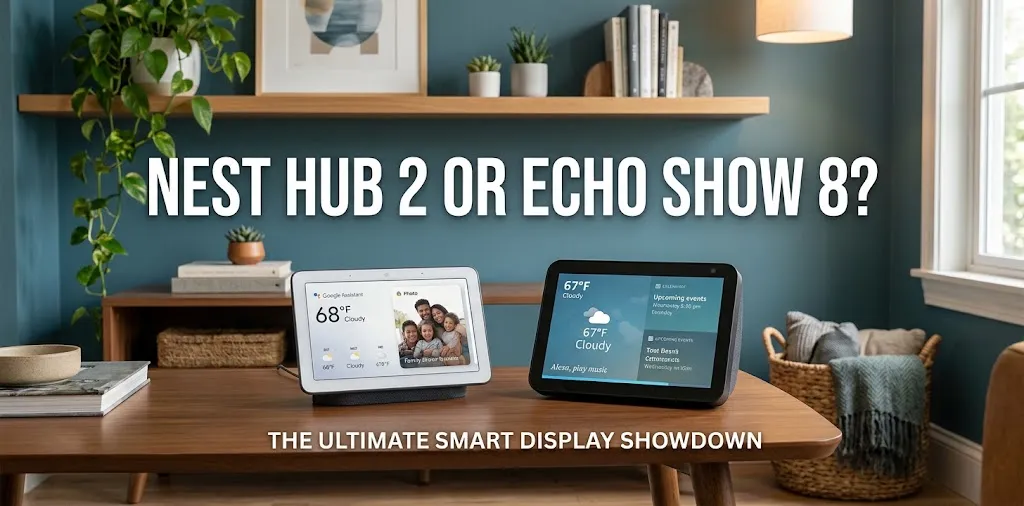
A bedside clock should be easy to read without making the bedroom feel too bright. This is where your display preferences can matter more than the number of features.
The Nest Hub 2 includes an Ambient EQ light sensor that adjusts the display to its surroundings. That can help the screen respond to changes in room lighting, although you should still check whether its clock appearance suits your bedroom.
The Echo Show 8 offers a larger viewing area, but its screen can be more noticeable in a dark room depending on its settings and display content.
Before choosing either device, consider these practical points:
- Brightness: Look for automatic brightness adjustment and available nighttime display options.
- Clock style: Decide whether you prefer a simple digital clock or a screen that also shows photos and information.
- Viewing distance: A larger screen may be easier to read from across a bedroom.
- Nighttime interruptions: Review notification, sound, and screen settings so alerts do not disrupt your routine.
- Placement: Position the device where you can see the clock comfortably without needing to reach across the bed.
Neither display should be assumed to turn completely black or remain perfectly dim in every situation. Check the available settings on the exact model you plan to use.
Alarm Routines and Smart-Home Integration
A smart bedside clock becomes more useful when it can help you start and end the day with less effort.
Both devices support voice-based alarms and can work with compatible smart-home devices. The main difference is which assistant and ecosystem you already use.
When the Nest Hub 2 Makes More Sense
Suppose you already use Google Home to control your bedroom lights. You could set a morning routine that starts with an alarm and turns on compatible lights when you wake up.
Google Photos integration is another advantage if you want your nightstand display to show a personal photo collection when you are not checking the time.
When the Echo Show 8 Makes More Sense
Suppose your household already uses Alexa for smart plugs, lights, and reminders. An Echo Show 8 can provide a familiar place to manage those devices and view useful information.
You may also appreciate the larger screen if you want to check a calendar or weather forecast while getting ready for the day.
Practical tip: Choose the assistant that already controls most of your compatible devices. Having your alarms, lights, and routines in one ecosystem is usually more convenient than switching between platforms.
Privacy: Which Is Better Beside Your Bed?
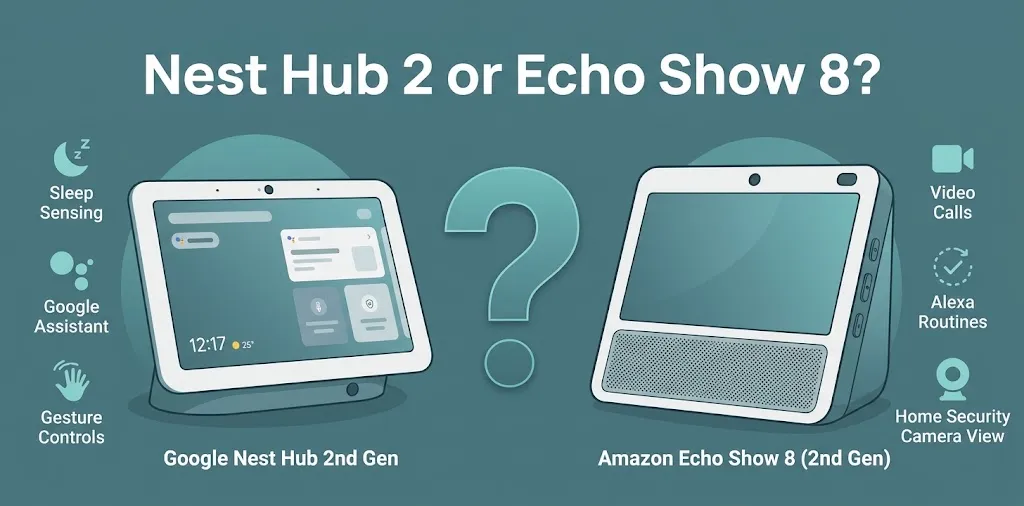
Privacy deserves extra attention when a device sits in your bedroom.
The Nest Hub 2 has no camera, making it the straightforward option for anyone who does not want a camera in that room. It does have microphones for voice commands, along with a physical microphone-off switch.
The Echo Show 8’s camera capabilities depend on the model. Compatible versions offer camera privacy controls, but a camera shutter or disable setting is worth checking before purchase.
Both devices rely on network connectivity for many of their smart features. Review voice-recording controls, personal-result settings, and the manufacturer’s privacy information to understand how each device handles your information.
One additional consideration is Sleep Sensing on the Nest Hub. This feature can process sleep-related information and, if enabled, sound events such as coughing and snoring. Review those settings and consider the privacy of anyone sharing the room before enabling them.
Price and Overall Value
The price difference between these devices depends on the exact Echo Show 8 generation, retailer, and current promotions.
The Nest Hub (2nd Gen) has previously been listed at $99.99, but prices and availability can change. Older Echo Show 8 versions may also be discounted, while newer versions can cost more.
Instead of comparing prices alone, consider what you will actually use.
- Choose the Nest Hub 2 if a clock, alarms, Google Photos, and camera-free design cover your needs.
- Choose the Echo Show 8 if you will regularly use the larger screen, Alexa routines, or supported video-calling features.
- Compare the exact model numbers and included features before paying more for a newer generation.
If all you need is a clock and alarm, either smart display may offer more features than necessary. A conventional digital alarm clock is also worth considering if you do not need voice assistance or smart-home control.
Frequently Asked Questions
If you are still deciding between these two smart displays, the answers below address a few common questions about using them beside your bed.
Is the Nest Hub 2 Better Than the Echo Show 8 for Sleeping?
The Nest Hub 2 is the better fit if you want a camera-free bedside display with Sleep Sensing. The Echo Show 8 is more suitable if you prioritize a larger screen and Alexa features, but neither device replaces a dedicated medical sleep-monitoring system.
Can Both Devices Work as Alarm Clocks Without a Phone Nearby?
Yes. Both can provide alarms and voice-controlled clock functions when properly set up. However, they need wall power, and many smart features depend on Wi-Fi, so they are not complete replacements for a battery-powered alarm clock during a power outage.
Which Device Is Less Distracting at Night?
The Nest Hub 2 is a sensible starting point because of its compact design and ambient light sensor. Actual nighttime comfort depends on brightness, clock style, notifications, and other settings, so review the display options before making your final choice.
Final Verdict
The Google Nest Hub (2nd Gen) is the winner for a dedicated bedside clock. Its compact size, camera-free design, ambient light sensing, and sleep-related features make it a particularly sensible choice for a bedroom.
The Amazon Echo Show 8 is the better choice for a multifunctional bedside display. Its larger screen, Alexa integration, and supported entertainment and video-calling features give it an advantage if you want more than an alarm clock.