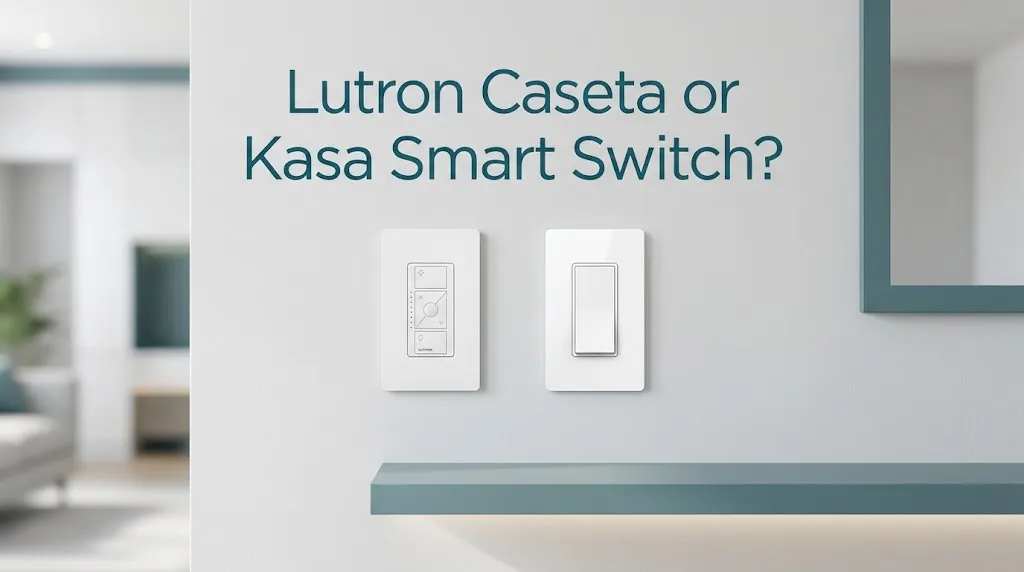
Lutron Caseta or Kasa Smart Switch? For older homes?

Lutron Caseta is generally the better choice for older homes, especially if the existing switch boxes do not have neutral wires. Its compatible smart dimmers can work with certain older wiring setups, and its Pico remotes offer flexible lighting control without adding new switch wires. Kasa is often a better value when your home has neutral wires and you want straightforward Wi-Fi control without a separate smart hub.
However, the right choice depends on the exact model, your home’s wiring, and whether you want dimming, remote control, or simple on/off operation.
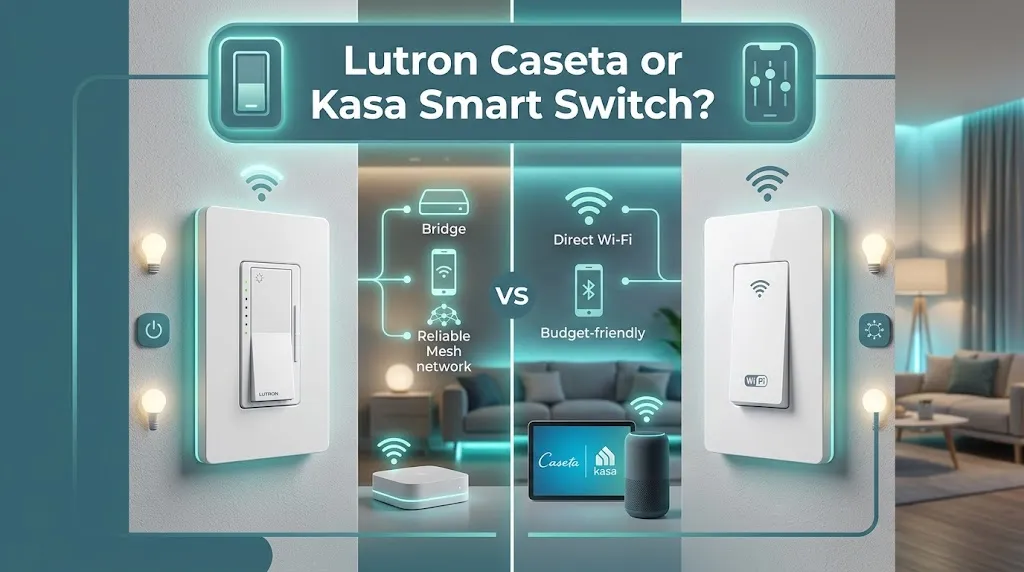
Lutron Caseta vs. Kasa: Comparison at a Glance
| Feature | Lutron Caseta | Kasa Smart |
|---|---|---|
| Older wiring | Excellent with compatible no-neutral dimmers | Standard models generally require neutral |
| Smart hub | Required for full app and smart-home features on hub-based setups | Not required for standard Wi-Fi models |
| Dimming | Multiple lighting-focused options | Available on selected models |
| Remote controls | Pico remotes for flexible lighting control | Depends on model and setup |
| Wi-Fi setup | Uses a Smart Hub for connected control on hub-based setups | Connects directly to Wi-Fi |
| Best for | Older homes and flexible lighting control | Budget-friendly smart upgrades |
| Main drawback | Additional hub and system cost | Wiring compatibility can limit installation |
| Available |  | |
The key distinction is that neither brand is automatically compatible with every older home. You must match the specific switch to the existing wiring and the light or fan it will control.
Why Lutron Caseta Is Often Better for Older Homes
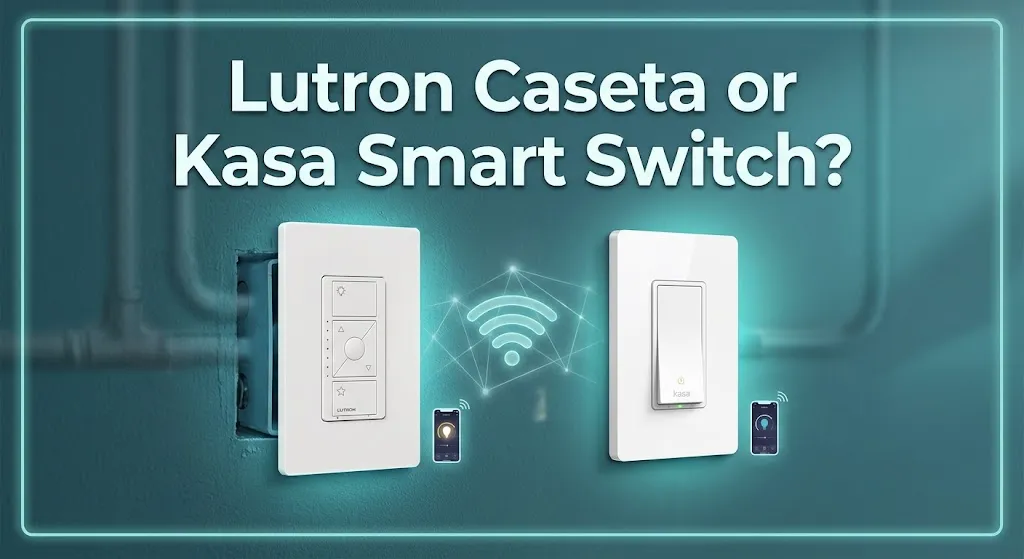
Older houses can have electrical layouts that differ from those in newer construction. One common issue is the lack of a neutral wire in a wall switch box.
Lutron Caseta offers several models designed to work with existing wiring, including its Original Smart Dimmer and Diva Smart Dimmer. These models do not require a neutral wire, making them useful for many older homes.
No neutral wire required on compatible dimmers
A neutral wire provides a return path in a typical household electrical circuit. Many smart switches need this wire to power their internal electronics.
Some older switch boxes lack a neutral connection. If yours does, a compatible Caseta dimmer may let you add smart lighting without running a new neutral wire to that location.
Keep in mind that not every Caseta switch works without a neutral wire. Some Caseta smart switches require one, while certain dimmers do not. Check the exact model’s installation requirements before buying.
Better options for controlling lights from multiple locations
Some older homes have hallways, staircases, or large rooms where one light is controlled by switches at two different locations.
Caseta supports flexible multi-location control with compatible wired switches and Pico wireless remotes. This can be especially helpful when you want another control point without running new switch wiring. The correct setup depends on the existing circuit and the Caseta model.
For example, imagine a two-story home where the staircase light is controlled from the first and second floors. A compatible Caseta setup can provide smart control while retaining convenient access at both locations.
Reliable smart lighting with a separate hub
Caseta uses Lutron’s Clear Connect wireless technology for communication with compatible devices. Its Smart Hub enables app control, schedules, and supported smart-home integrations.
The hub is an extra expense and piece of equipment, but it can be worthwhile if you plan to add more smart lighting controls over time.
Why Kasa Smart Switches Are Worth Considering
Kasa is an appealing alternative if your older home already has the wiring needed for a smart switch. Its standard Wi-Fi models can offer app control, schedules, voice commands, and remote access without a dedicated smart hub.
No separate hub for standard Wi-Fi models
With a compatible Kasa switch, you connect the device to your home’s Wi-Fi network and configure it in the Kasa app.
That makes Kasa a straightforward option for homeowners who want to automate a few lights without investing in a separate lighting hub.
For example, if your home has a neutral wire in the living room switch box, a compatible Kasa switch could let you schedule the lights to turn off at bedtime or control them from your phone.
A practical choice for simple on/off control
You may not need advanced lighting controls in every room. A basic smart switch can be enough for a porch light, laundry room, or hallway.
Kasa’s standard HS200 is designed for single-pole switching, requires a neutral wire, and connects to 2.4 GHz Wi-Fi. If you need dimming or control from multiple wall locations, choose a model specifically designed for that purpose.
Check the exact model before purchasing
Kasa sells different switch types, so do not assume every model has the same features. Some models offer additional smart-home compatibility, while others have more basic capabilities.
Also, the HS200 is not a direct replacement for every existing two-location lighting circuit. For a three-way setup, select a compatible model and follow its installation requirements.
Which Switch Works Best Without a Neutral Wire?
This is often the most important question for an older home.
| Your situation | Better choice |
|---|---|
| No neutral wire and you want dimming | Lutron Caseta Original or Diva Smart Dimmer, if compatible |
| No neutral wire and you need simple on/off switching | Check the specific Caseta switch model and its wiring requirements |
| Neutral wire available and you want basic Wi-Fi control | Kasa HS200 or another compatible Kasa model |
| Neutral wire available and you want a lighting-focused system | Lutron Caseta |
| You want a second control point without running new wiring | Lutron Caseta with a compatible Pico remote |
These recommendations are based on model-specific wiring requirements, not simply the age of the house.
A house built decades ago may already have neutral wires in some switch boxes. Conversely, a newer home may have a particular switch location without one. Check the actual wiring rather than relying on the construction date.
Installation, Bulb Compatibility, and Common Problems
Before purchasing either brand, check three things.
1. Confirm the wiring
Do not assume a white wire in the box is necessarily a neutral. Wire colors alone may not tell the whole story, especially in older switch loops.
Electrical work can be hazardous. Turn off power at the circuit breaker before any installation, and have a qualified electrician identify the wires and confirm compatibility if you are uncertain.
2. Check your light bulbs and fixtures
If you want dimming, the switch must support the type of bulb or fixture you have. A dimmer designed for compatible LED bulbs may not work correctly with every LED lamp or specialized fixture.
Caseta’s compatible dimmers support specified dimmable LEDs and incandescent or halogen bulbs. Kasa also offers dimmer models, but their supported loads and requirements vary by model.
3. Consider the available space
Older electrical boxes can be crowded with existing wiring. Smart switches may be bulkier than traditional switches, and adding wire connections can make an already tight box more difficult to work with.
An electrician can check whether the box has enough space and whether the planned switch is appropriate for the circuit.
Which Is Better for Different Older-Home Scenarios?
Scenario 1: An older house with no neutral wire
Choose a compatible Lutron Caseta dimmer. It can provide smart lighting control without requiring a new neutral wire at that switch location. Confirm that the specific dimmer supports your lighting load.
Scenario 2: An older house with neutral wires already present
Kasa is a strong option if your priority is affordable, app-controlled on/off switching without a dedicated hub. Compare the exact models if you also need dimming or three-way control.
Scenario 3: A staircase or hallway with two switch locations
Lutron Caseta is worth considering because compatible Pico remotes can add another control point without running new switch wiring. Verify the circuit configuration before choosing the setup.
Is Lutron Caseta Worth the Extra Cost?
Caseta may cost more overall because some configurations require a Smart Hub, and adding Pico remotes or additional accessories can increase the total. Kasa’s standard Wi-Fi switches do not require a separate hub, which can make a small smart-lighting project simpler and less expensive.
However, the lowest-priced switch is not always the cheapest solution for an older home. If a Kasa model is incompatible with your wiring, you may need a different switch or professional electrical work.
Compare the total cost of the compatible switch, any required hub or accessories, and installation before deciding. Prices vary by model, retailer, and bundle.
Frequently Asked Questions
Choosing between Lutron Caseta and Kasa Smart Switch for an older home can raise a few important questions about wiring, installation, cost, and compatibility. The answers below will help you understand which smart switch fits your home’s electrical setup and which option makes the most sense for your lighting needs.
Is Lutron Caseta better than Kasa for a house built before 1980?
Lutron Caseta is often the better starting point because some of its dimmers do not require a neutral wire. However, a home’s age alone does not establish wiring compatibility, so check the switch box and the exact product requirements.
Does Kasa Smart require a neutral wire?
The standard Kasa HS200 requires a neutral wire, as do many other Kasa models. Requirements vary across the product range, so verify the installation guide for the exact model you intend to buy.
Can I install a smart switch in an older home without rewiring?
Yes, in many cases. A compatible no-neutral Lutron Caseta dimmer may work with the existing wiring, but the right solution depends on the circuit, lighting load, and switch model. Have a qualified electrician assess unfamiliar or questionable wiring before installation.
Final Verdict
Lutron Caseta is the winner for older homes, especially if your switch boxes lack neutral wires or you want flexible lighting control without running additional wiring. Its compatible smart dimmers and Pico remotes make it a strong choice for older electrical layouts.
Kasa Smart is the better budget-friendly option if your home has neutral wires and you want convenient Wi-Fi control, scheduling, and voice commands without a separate hub.
Before buying, check your existing wiring and confirm that the switch supports your bulbs and circuit. For most older homes with wiring limitations, choose Lutron Caseta; for straightforward, affordable smart lighting, Kasa is worth considering.