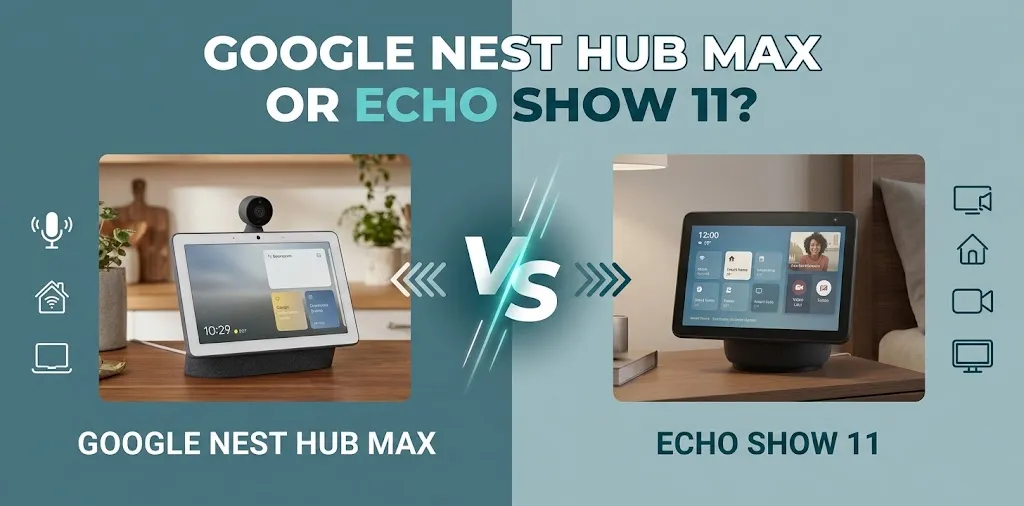
Google Nest Hub Max or Echo Show 11? For kitchen display?

The Amazon Echo Show 11 is the better choice for most kitchens if you want a large, sharp display for recipes, timers, video calls, and smart-home controls. The Google Nest Hub Max is a better fit if your household already relies on Google Home, Google Photos, YouTube, and Google’s smart-home features. Your preferred ecosystem matters as much as the screen itself.
Google Nest Hub Max vs. Echo Show 11: Kitchen Display Comparison
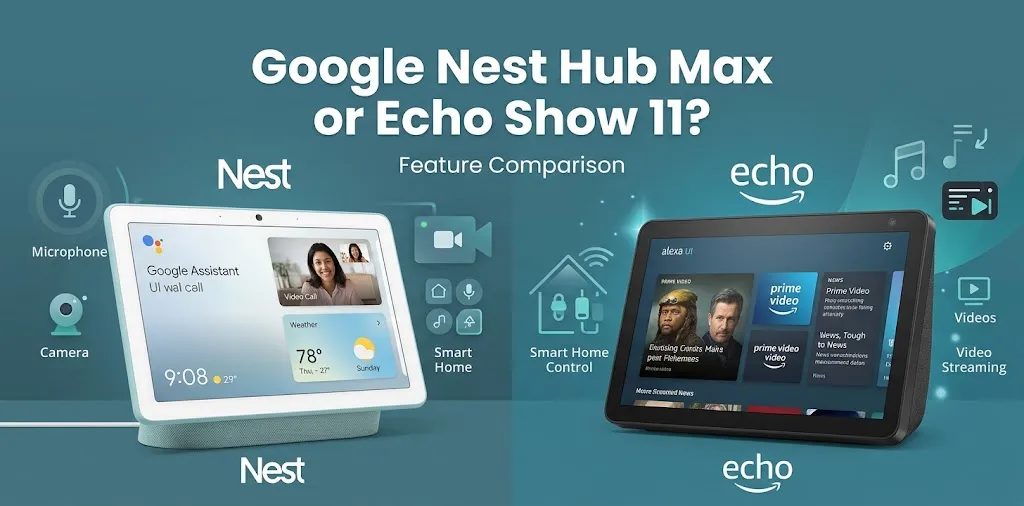
Both smart displays can help you follow recipes, set timers, play music, and manage compatible smart-home devices. The Echo Show 11 has a larger, higher-resolution screen, while the Nest Hub Max offers Google services, a built-in Nest Cam, and a useful photo display.
| Feature | Google Nest Hub Max | Amazon Echo Show 11 |
|---|---|---|
| Display | 10-inch HD touchscreen | 10.95-inch Full HD touchscreen |
| Resolution | 1280 × 800 | 1920 × 1200 |
| Voice assistant | Google Assistant and supported Google Home features | Alexa and supported Alexa+ features |
| Camera | 6.5 MP wide-angle camera | 13 MP camera with auto-framing |
| Speakers | Stereo speakers with a 3-inch woofer | Stereo speakers with a dedicated woofer |
| Recipe assistance | Google search, recipes, and YouTube | Alexa voice assistance and supported recipe services |
| Smart-home ecosystem | Google Home and supported Matter devices | Alexa and supported Matter and Zigbee devices |
| Best fit | Google-centered households | Alexa-centered kitchens |
| Available |  | |
Specifications and features may vary with software updates, region, and service availability.
Why the Echo Show 11 Is a Strong Choice for Cooking
A larger, sharper recipe display
The Echo Show 11 has a 10.95-inch display with a resolution of 1920 × 1200. Compared with the Nest Hub Max’s 10-inch, 1280 × 800 screen, it provides more space and finer detail for reading ingredients, watching cooking videos, and following written instructions.
This difference can be helpful when your display sits across the countertop and you want to glance at a recipe without moving closer.
Hands-free cooking assistance
When your hands are covered in flour or you’re stirring a pot, voice controls can make cooking easier. You can ask Alexa to set multiple timers, convert measurements, play music, or control compatible lights and appliances.
For example, if you’re baking cookies, you can set a timer while mixing the next batch without stopping to touch your phone. Specific recipe displays and step-by-step instructions depend on the service or skill you use.
A natural fit for an Alexa smart home
If you already use Echo speakers, smart plugs, or Alexa-compatible kitchen devices, the Echo Show 11 can serve as a central control point.
It supports compatible smart-home devices, but not every device works with every platform. Check compatibility before assuming you can control all your existing equipment from the display.
Where the Echo Show 11 falls short
A larger screen does not automatically make it the right choice for everyone. If your household uses Google Home for lighting, cameras, reminders, and shared calendars, moving to Alexa may mean managing two separate smart-home systems.
You should also verify that your preferred recipe website or cooking service works well on the device. Do not assume every phone app has an equivalent smart-display experience.
Why the Google Nest Hub Max Still Makes Sense in a Kitchen
A natural fit for Google services
The Nest Hub Max is a practical option if you already use Google Calendar, Google Photos, YouTube, and Google Home. It combines cooking assistance, entertainment, household reminders, and smart-home controls in one countertop device.
If most of your digital life already revolves around Google, keeping the same ecosystem can be more convenient than switching to Alexa.
YouTube and visual recipe guidance
The Nest Hub Max offers an established connection to YouTube, making it useful for watching cooking demonstrations and learning unfamiliar techniques.
For example, if you’re making homemade bread and need to understand how to shape the dough, a video demonstration can be more helpful than a written instruction alone. You can also use Google Assistant for cooking questions, measurement conversions, and recipe ideas.
The device supports hands-free assistance and multiple timers, which can help you manage several dishes at once.
A built-in camera for more than cooking
The Nest Hub Max includes a 6.5-megapixel camera with a wide field of view and automatic framing. It supports video calls and can function as a Nest Cam for checking in on your home.
That can be useful if you want to call family while preparing dinner or check a compatible camera feed from your kitchen display. Some additional camera features may require a Google Home Premium subscription.
However, the camera does not support night vision. It also introduces a privacy consideration if you prefer not to have a camera in a room where family members regularly gather.
Strong audio and a useful photo display
The Nest Hub Max has stereo speakers and a dedicated 3-inch woofer. You can listen to music or podcasts while cooking, then use the screen to display photos when you’re not actively using it.
Its Ambient EQ feature adjusts the display’s appearance to suit the room’s lighting, making it useful as a digital photo frame as well as a cooking assistant.
Where the Nest Hub Max falls short
Its 10-inch, 1280 × 800 screen is smaller and lower-resolution than the Echo Show 11’s display. Small text and detailed recipe instructions may therefore be less comfortable to read from a distance.
Availability is another concern. Check current stock and pricing from reliable retailers before purchasing, especially if you’re comparing it with a newer smart display.
Which Smart Display Works Better for Different Kitchen Needs?
The best choice depends on how you cook and which services your household already uses.
| Kitchen need | Better choice | Why |
|---|---|---|
| Reading detailed recipes | Echo Show 11 | Larger, higher-resolution screen |
| Following YouTube cooking tutorials | Nest Hub Max | Established YouTube integration |
| Managing an Alexa smart home | Echo Show 11 | Fits naturally into the Alexa ecosystem |
| Managing a Google Home setup | Nest Hub Max | Familiar Google Home controls |
| Video calls while cooking | Either | Both include cameras, but supported services differ |
| Displaying family photos | Either | Both offer photo-display features |
| Checking a compatible home camera | Nest Hub Max | Includes Nest Cam functionality |
| Getting a newer smart-display platform | Echo Show 11 | Part of Amazon’s newer smart-display generation |
These recommendations reflect documented features and ecosystem fit rather than a controlled, head-to-head performance test.
Two Realistic Kitchen Scenarios
Scenario 1: You cook from online recipes every day
Imagine you regularly prepare new dishes, watch cooking tutorials, and need to read ingredient measurements while working at the counter.
The Echo Show 11 is a strong choice because its sharper screen gives you more room to read. If your recipes are primarily YouTube videos and your household already uses Google services, however, the Nest Hub Max may offer a more familiar experience.
Scenario 2: Your kitchen is part of a Google smart home
Suppose you use Google Home to manage compatible lights, check a Nest camera, and share family calendars. You want one display for recipe help, reminders, and occasional video calls.
The Nest Hub Max fits this setup well. Buying an Echo Show 11 purely for its display resolution could create an unnecessary second ecosystem unless you also want Alexa-specific features.
Kitchen Setup, Privacy, and Practical Considerations
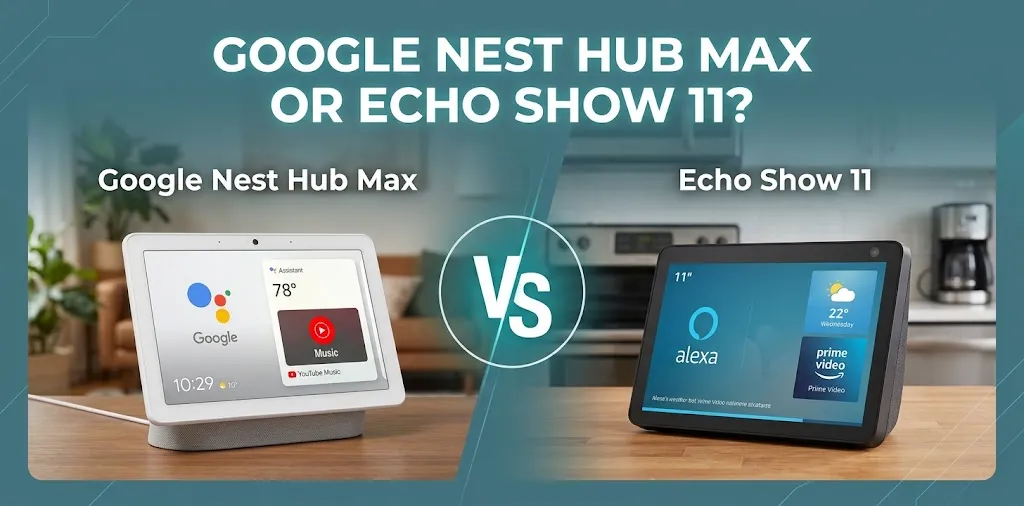
A smart display is only useful if it fits comfortably into your cooking routine. Before buying either model, consider these points:
- Counter space: Measure the area where you plan to place the display, including room for its stand and power cable.
- Viewing angle: Position it where you can read instructions without leaning over hot pans or moving around the cooking area.
- Cleaning: Keep the screen away from splashes, grease, steam, and direct heat. Neither device should be treated as a waterproof kitchen appliance.
- Voice recognition: Consider whether you can give commands from your usual cooking position, especially if your kitchen has a loud exhaust fan.
- Privacy: Both devices have cameras and microphones. Review their physical controls and privacy settings before placing either one in a shared space.
- Subscriptions: Check whether any video, music, camera-recording, or advanced assistant features you want require a paid plan.
A useful setup tip is to place the display near your main preparation area but away from the sink and stove. That gives you easy access to timers and recipes without exposing the device to unnecessary moisture or heat.
Frequently Asked Questions
Choosing between the Google Nest Hub Max and Amazon Echo Show 11 for your kitchen can raise a few questions about recipe guidance, YouTube access, smart-home compatibility, and overall value. Here are the answers to the most important questions to help you decide which smart display fits your cooking routine.
Is the Echo Show 11 better than the Nest Hub Max for recipes?
The Echo Show 11 has the sharper screen, which is helpful for reading small text and ingredient measurements. The Nest Hub Max is appealing if you rely on YouTube cooking tutorials and Google services.
Can you watch YouTube on the Echo Show 11 and Nest Hub Max?
The Nest Hub Max has established YouTube integration. The Echo Show 11 can provide video and entertainment through supported services, but you should verify the current YouTube access method and your preferred recipe service before buying.
Is the Google Nest Hub Max worth buying in 2026?
It can be worthwhile if you prefer Google Home, use its built-in Nest Cam, or want a photo display and kitchen assistant in one device. However, check current availability and pricing against the Echo Show 11 before making a decision.
Final Verdict
The Amazon Echo Show 11 is the winner for most kitchen-display buyers because its larger Full HD screen is well suited to reading recipes, watching cooking videos, and checking instructions while preparing meals.
The Google Nest Hub Max remains the better option for people who already depend on Google Home, YouTube, Google Photos, and Nest camera features. Its screen is less detailed, but its Google integration can be more valuable than a higher resolution.
Choose the Echo Show 11 if you’re starting fresh or building an Alexa-based kitchen. Choose the Nest Hub Max if you already have a Google-centered smart home and can find it at a reasonable price from a reliable seller.